The Best Gaming Monitors in 2026: Pick the Tier, Not the Spec Sheet
ASUS ROG, MSI, Alienware, Samsung, LG. Gavler ranks the best gaming monitors of 2026 — 4K OLED, 1440p OLED, ultrawide, and budget picks, by tier.
Updated July 11, 2026 — with the summer sales behind us, back-to-school monitor deals are now live across Dell, Best Buy, and Newegg and run through August, making this a strong window to buy a screen for a new desk or dorm setup. Below: the screens from Gavler's Best Gaming Monitors list worth buying, sorted by the tier they actually fit.
A gaming monitor's spec sheet is engineered to confuse you. Refresh rate, response time, resolution, panel type, peak nits, VRR flavor — every box on the back of the carton is a number, and almost none of them, in isolation, tells you whether the thing will look good on your desk. A 540Hz screen is wasted on a single-player gamer; a 4K panel is wasted on a GPU that can't feed it; an OLED is a liability for someone who leaves a static taskbar on screen 12 hours a day.
So skip the spec war. The only questions that matter are: how big a screen do you want, at what resolution, and can your graphics card drive it? Answer those three and the list narrows itself. The good news for 2026 is that the answers have never been better — 4K 240Hz QD-OLED has dropped under $1,000, and genuinely great 1440p OLED is now under $500. Here's the list, by tier.
The Flagship — ASUS ROG Swift PG27UCDM ($1,099)
ASUS ROG Swift PG27UCDM
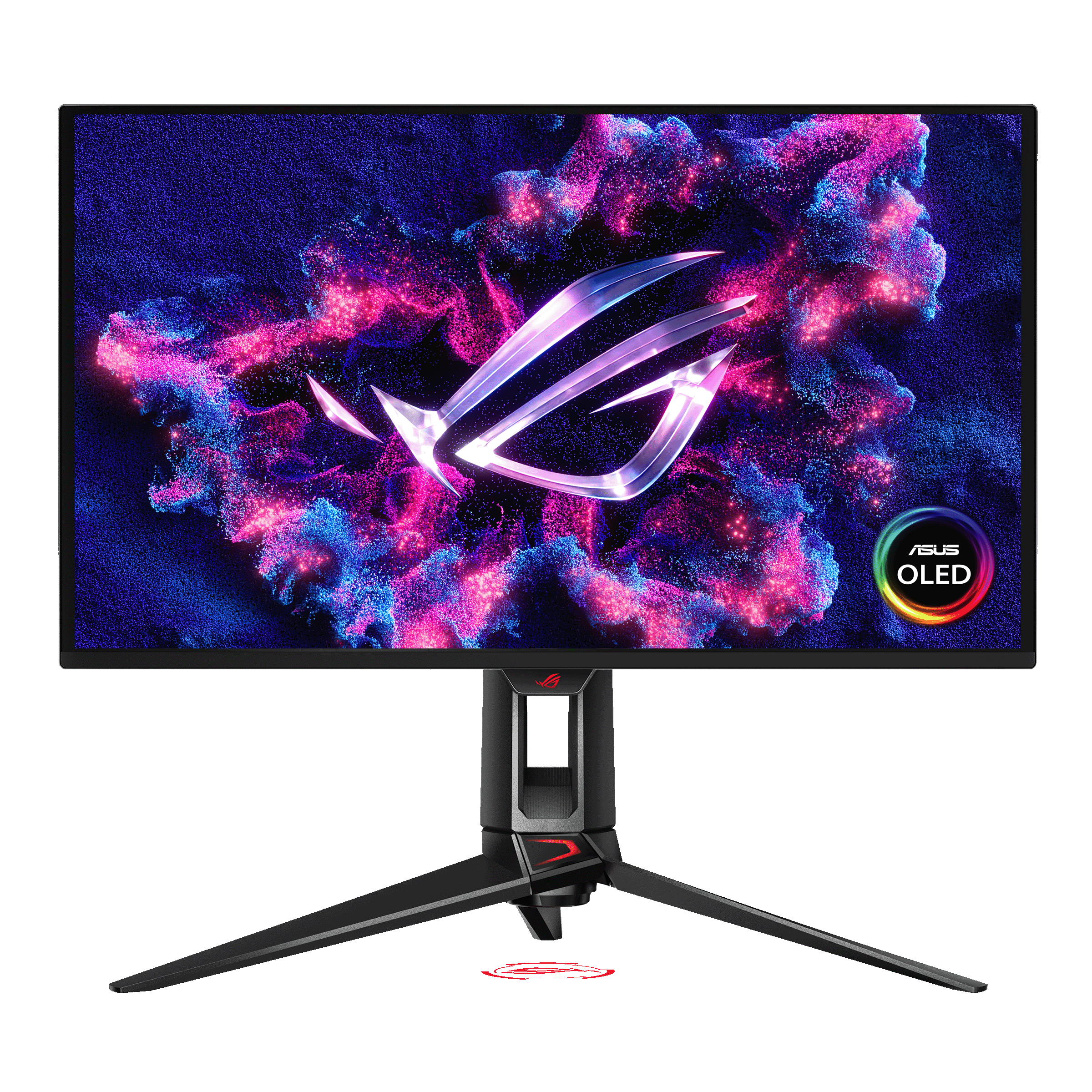
ASUS ROG Swift PG27UCDM — 27" 4K @ 240Hz 4th-gen QD-OLED, 0.03ms response, Dolby Vision, DisplayPort 2.1. Tom's Hardware's flagship 27" 4K OLED pick.
Amazon affiliate · price subject to change
The ASUS ROG Swift PG27UCDM tops Gavler's list at 9.4, and it's RTINGS' best-tested gaming monitor, full stop. It's a 27-inch 4K panel running 240Hz on a 4th-gen QD-OLED, with Dolby Vision, a 0.03ms response time, and DisplayPort 2.1 to actually carry that bandwidth. Cramming 4K into 27 inches gives you the highest pixel density on the list — text is razor-sharp and game detail is dense — which is exactly why it's the default pick for buyers who sit close and want the cleanest possible image.
The catch is the obvious one: 4K at 240Hz is a brutal load, so this is a monitor for a high-end GPU. If your graphics card can keep up, nothing here looks better at 27 inches.
The 4K Value Move — MSI MPG 321URX ($999)
MSI MPG 321URX
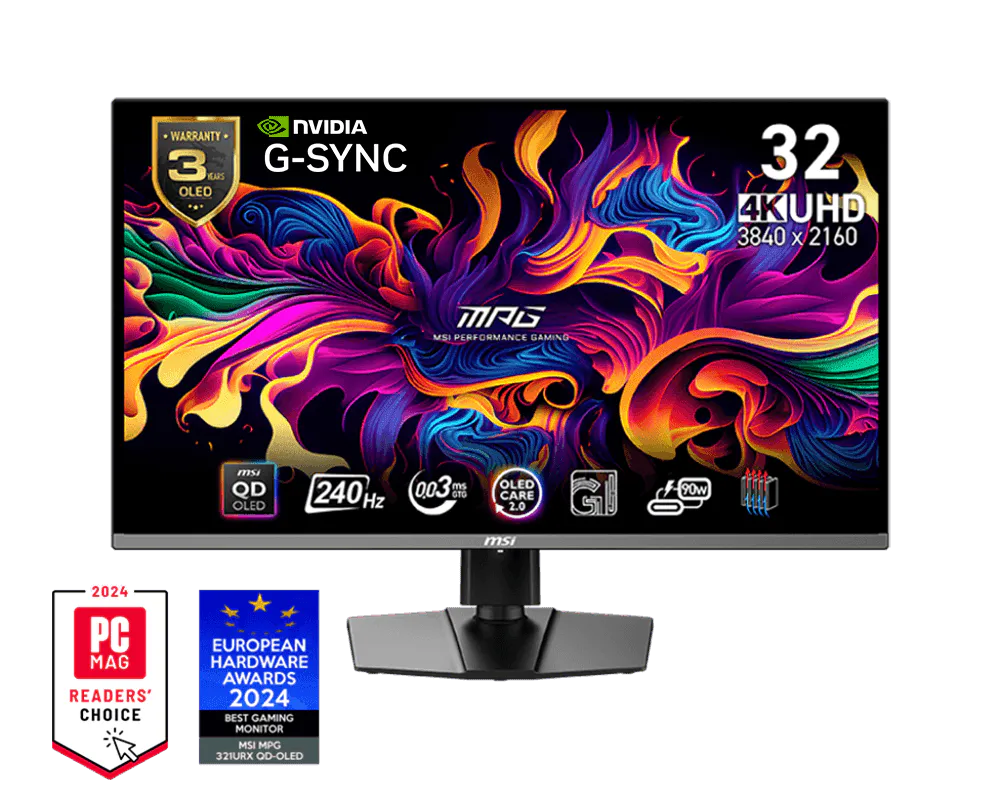
MSI MPG 321URX — 32" 4K @ 240Hz 3rd-gen QD-OLED, 0.03ms response, 1,000-nit peak HDR, DisplayHDR True Black 400. PCGamer's 2026 top pick.
Amazon affiliate · price subject to change
The MSI MPG 321URX at 9.3 (rank 2) is the 4K monitor most people should actually buy. It takes the same 240Hz QD-OLED experience to a 32-inch canvas — the scale 27-inch can't deliver — and lands it at $999, with a 1,000-nit peak and DisplayHDR True Black 400. PCGamer made it a 2026 top pick for a reason: 32-inch 4K is the size-and-sharpness combination that does double duty as a work display and a gaming screen, and at four figures even, it undercuts the smaller flagship.
If you want the curve and Dolby Vision at this size, the Alienware AW3225QF ($1,099, rank 3, 9.2) is Tom's Hardware's "absolute best gaming monitor on the market" — the first 32-inch 4K 240Hz QD-OLED with an 1800R curve, ideal for immersive single-player. And for buyers who specifically don't want a curve, the flat Samsung Odyssey OLED G8 (G80SD) ($1,299, rank 4, 9.1) uses the same panel generation and folds in Tizen smarts — AirPlay 2, Xbox Cloud Gaming, GeForce Now — so it doubles as a console-free cloud-gaming hub.
The Superultrawide — Samsung Odyssey OLED G9 ($1,499)
Samsung Odyssey OLED G9 (G95SD)
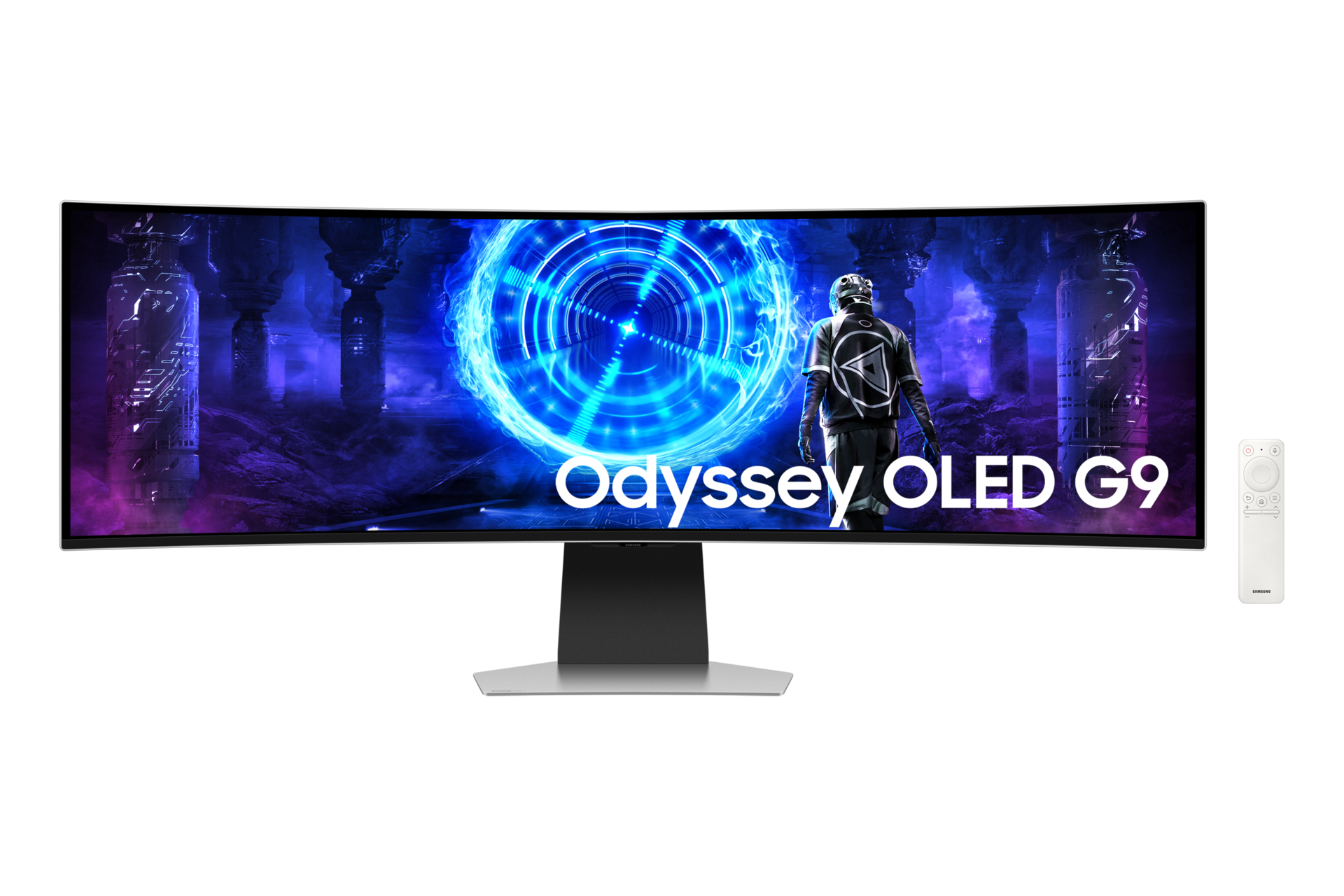
Samsung Odyssey OLED G9 (G95SD) — 49" 5120x1440 1800R curved QD-OLED @ 240Hz with Tizen smart platform. The "one monitor does everything" pick.
Amazon affiliate · price subject to change
The Samsung Odyssey OLED G9 (G95SD) at rank 5 (9.0) is the "one screen that does everything" pick. It's the only 49-inch superultrawide QD-OLED running 240Hz, with a 5120x1440 panel that gives you roughly the real estate of two 27-inch QHD monitors fused into one seamless 1800R curve. For sim racing, flight sims, strategy games, and a productivity multitasker that also games, nothing else on the list comes close to its sweep. It needs a deep desk and a serious budget, but it earns both.
The 1440p OLED Sweet Spot — ASUS ROG Swift PG27AQDM ($799)
ASUS ROG Swift PG27AQDM
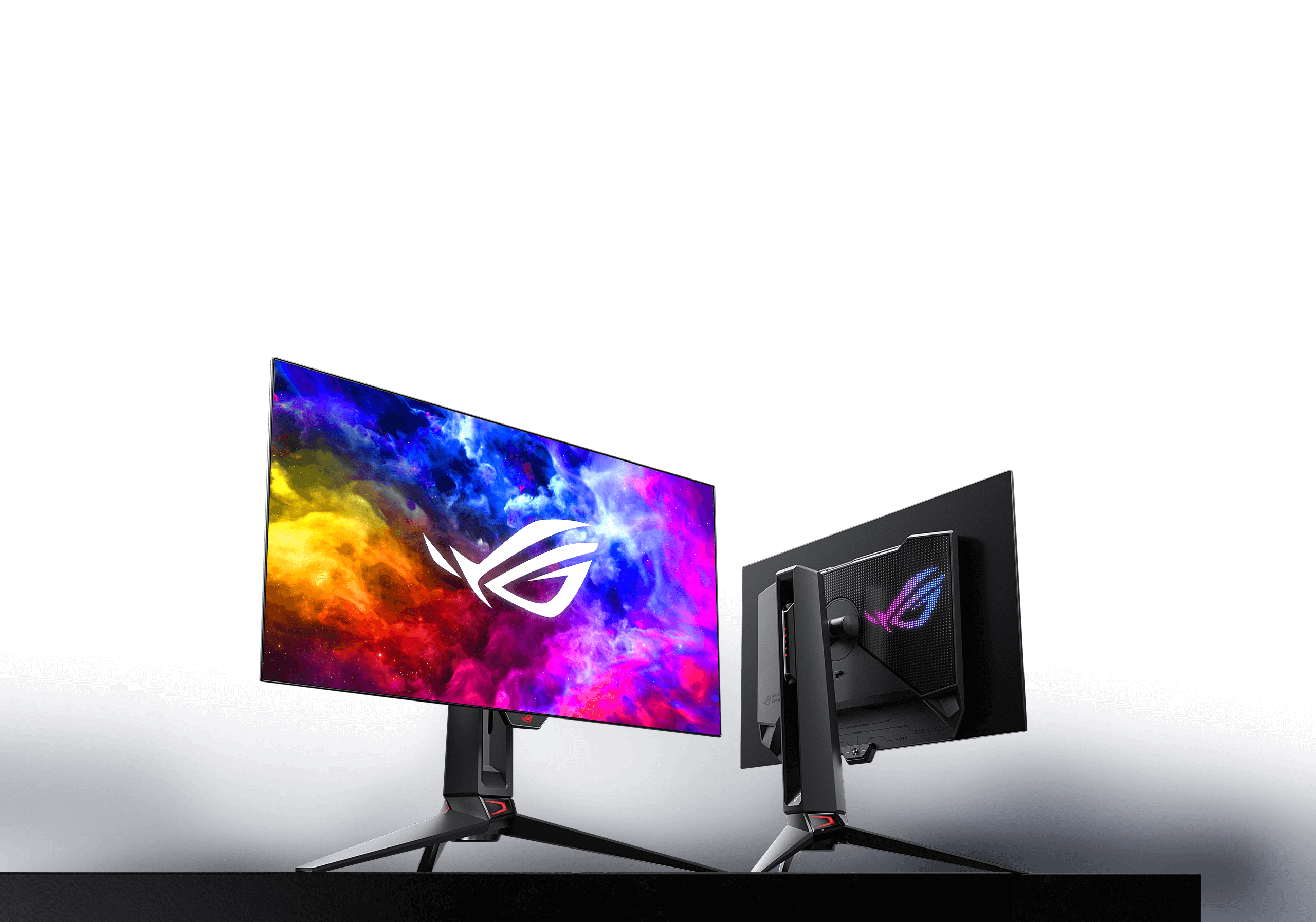
ASUS ROG Swift PG27AQDM — 27" 1440p @ 240Hz WOLED, 99% DCI-P3, 10-bit color, 0.03ms response. The value path into OLED gaming at 1440p.
Amazon affiliate · price subject to change
For most gamers, this is the tier to shop. The ASUS ROG Swift PG27AQDM at rank 6 (8.8) is the 27-inch 1440p 240Hz WOLED that defined the 1440p OLED category — 99% DCI-P3, true 10-bit color, 0.03ms response — and it delivers the perfect blacks and instant motion of the 4K flagships at a resolution your GPU can comfortably drive. The LG UltraGear 27GS95QE-B ($799, rank 7, 8.6) is the direct alternative — LG's brighter successor to the 27GR95QE, with a 1,000-nit HDR peak and both FreeSync Premium Pro and G-Sync compatibility. Pick between them on tone preference; they're a near tie.
The Value OLED — KTC G27P6S ($499)
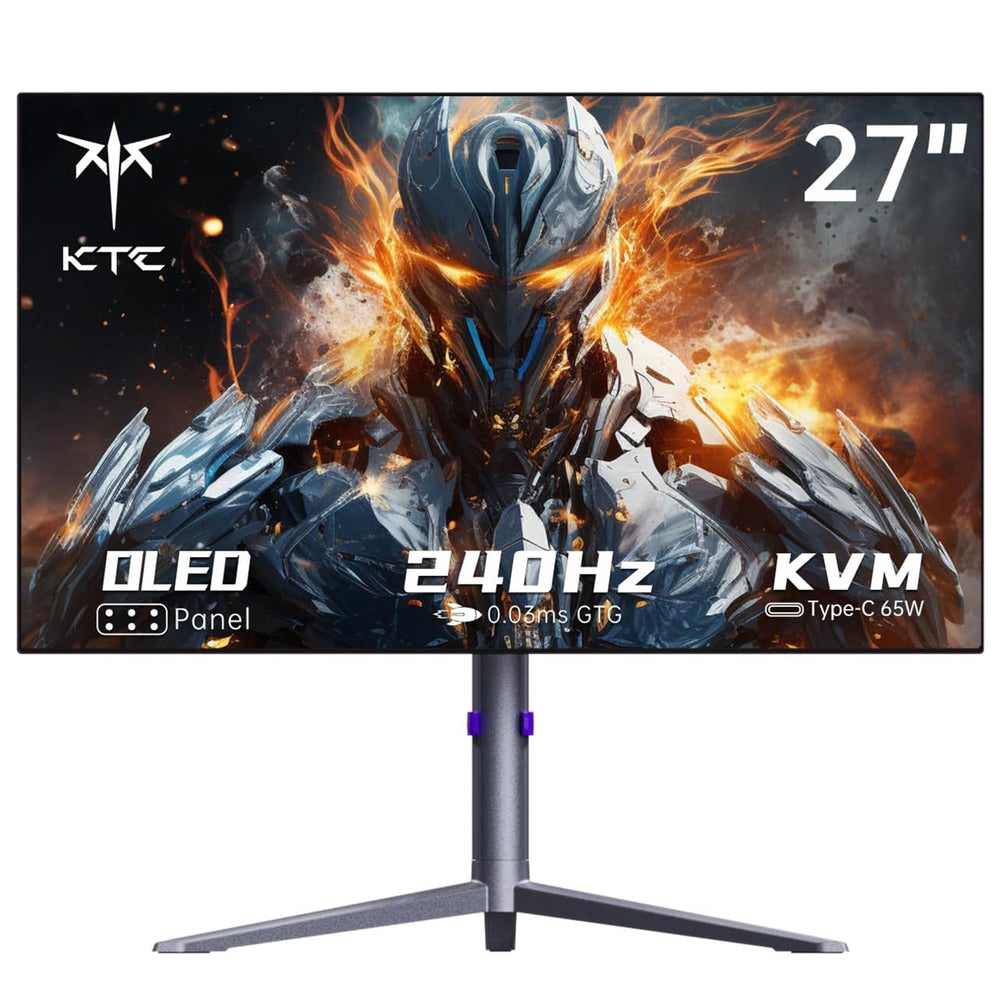
KTC G27P6S
KTC G27P6S — 27" 1440p @ 240Hz MLA+ W-OLED, 0.03ms response, KVM, USB-C 65W PD. The value OLED gaming pick.
Amazon affiliate · price subject to change
The KTC G27P6S at rank 8 (8.4) is the OLED entry point — a 1440p 240Hz MLA+ W-OLED that's frequently $499 with an Amazon coupon, undercutting the name-brand OLEDs by $300 while throwing in a built-in KVM, USB-C with 65W power delivery, and speakers. GamesRadar summed it up as not being able to get over how good a cheaper OLED could be. If you want into OLED gaming for the lowest possible price, this is the door.
The No-OLED Picks — IPS Value and Mini-LED Flexibility
Two screens skip OLED on purpose, and both are smart buys. The ASUS ROG Strix XG27ACS at rank 9 (7.9) is the best-value pick on the entire list — a 27-inch 1440p 180Hz Fast IPS with variable overdrive (rare at the price) for around $290. Tom's Hardware praised its accuracy and flexibility; it's the right call for anyone who wants 1440p high-refresh without committing to OLED or its burn-in management.
The Acer Nitro XV275K P3biipruzx at rank 10 (7.7, $599) is the clever one: a 27-inch 4K 160Hz Mini-LED with a 1,200-nit HDR peak that toggles to 1080p at 320Hz for competitive FPS via a hotkey. You get 4K detail for AAA games and a high-refresh FPS mode in one screen, with no OLED burn-in worry — a genuinely useful split for players who switch between cinematic and competitive titles.
The Bottom Line
Pick the tier, then the model. Buy the ASUS ROG Swift PG27UCDM if you want the sharpest 27-inch 4K and have the GPU for it; the MSI MPG 321URX if you want 32-inch 4K OLED at the best price; the Samsung Odyssey OLED G9 for superultrawide immersion; the ASUS ROG Swift PG27AQDM for the 1440p OLED sweet spot most people should buy; the KTC G27P6S for the cheapest OLED worth owning; and the ASUS ROG Strix XG27ACS if you want great 1440p without the OLED premium. With back-to-school promotions live through August, the value and last-gen panels are the ones moving right now.
See the full community ranking, vote for your pick, and compare expert and community scores on our Best Gaming Monitors list. Building the rest of the battlestation? Cross-shop the Best Mechanical Keyboards brief, weigh an OLED monitor against an OLED TV in our Best TVs brief, or browse the full lineup across the computing category.
See all 12 products ranked by the community
Best Gaming Monitors
See Full Rankings →258 community votes cast
Common Questions
For most buyers it's the ASUS ROG Swift PG27UCDM, which tops Gavler's list at 9.4 and is RTINGS' best-tested gaming monitor — a 27-inch 4K, 240Hz 4th-gen QD-OLED with Dolby Vision, 0.03ms response, and DisplayPort 2.1. It packs 4K sharpness into the pixel density a 27-inch panel does best. But 'best' is tier-dependent: if you want 4K at a bigger scale for less money, the 32-inch MSI MPG 321URX (rank 2, 9.3) does it at $999, and if 1440p is your resolution the ASUS ROG Swift PG27AQDM (rank 6, 8.8) is the OLED sweet spot at $799. Pick the size and resolution first, then the panel.
Choose 27-inch if you sit close, value pixel density, and play fast competitive games — the ASUS ROG Swift PG27UCDM ($1,099) packs 4K into 27 inches for the sharpest image per inch on the list. Choose 32-inch if you want immersive scale and desktop real estate for mixed work-and-play — the MSI MPG 321URX ($999) and curved Alienware AW3225QF ($1,099) give you the same 4K at 240Hz on a larger canvas. The 32-inch panels are easier to read text on at native resolution; the 27-inch is the purist's competitive pick. Both use the same generation of QD-OLED, so image quality is close — this is a size and seating-distance decision, not a quality one.
1440p OLED is enough for most people, and it's where the value is. The ASUS ROG Swift PG27AQDM and LG UltraGear 27GS95QE-B (both $799, ranks 6-7) deliver the same instant response, perfect blacks, and 240Hz smoothness as the 4K flagships, and 1440p is far easier to drive — you'll hit higher frame rates on the same GPU. Step up to 4K OLED ($999 and up) only if you have the graphics horsepower to feed it and you also use the screen for detailed creative work or want the absolute sharpest image. For pure gaming on a mainstream GPU, 1440p OLED is the smarter buy.
Two answers, depending on whether you want OLED. For the cheapest OLED, the KTC G27P6S (rank 8, 8.4) is a 1440p 240Hz MLA+ W-OLED that's frequently under $500 with an Amazon coupon — GamesRadar called it the cheaper OLED they 'can't get over' how good it is, and it even includes a KVM, USB-C 65W power delivery, and speakers. For the cheapest screen overall, the ASUS ROG Strix XG27ACS (rank 9, 7.9) is a 1440p 180Hz Fast IPS at around $290 — no OLED, but Tom's Hardware praised its accuracy and flexibility, and it's the right pick if you'd rather not pay the OLED premium yet.
It's a manageable risk, not a dealbreaker. Modern QD-OLED and W-OLED gaming monitors ship with pixel-shift, logo-dimming, and automatic panel-refresh routines that mitigate static-element burn-in, and the major brands back their panels with three-year burn-in warranties — ASUS, LG, Samsung, Dell, and MSI all cover it. For mixed gaming and desktop use, that combination has made burn-in a rare, edge-case outcome rather than the near-certainty it was on early OLED panels. If you display a fixed taskbar or HUD for 10-plus hours a day every day, a non-OLED pick like the ROG Strix XG27ACS or the Acer Nitro XV275K Mini-LED is the safer long-haul choice.
The Samsung Odyssey OLED G9 (G95SD) at rank 5 (9.0, $1,499) is the standout — a 49-inch superultrawide QD-OLED at 240Hz with 5120x1440 resolution, which is roughly the desktop space of two 27-inch QHD monitors with no bezel down the middle. It's the 'one screen that does everything' pick: sim racing and flight sims, productivity, console, and cloud gaming via the built-in Tizen smart platform. It's a big, expensive commitment and demands a deep desk, but nothing else on the list matches its sweep of screen for immersive single-player and simulation.
Monitors are one of the most reliable deal categories, and the calendar has clear windows. Amazon's June Prime Day and the July 4 sales have both passed, but back-to-school promotions are live now through August across Best Buy, Newegg, Dell, and Amazon, and the next major cuts land on Black Friday in November. The steepest discounts hit last-generation and value panels — the KTC G27P6S, ASUS ROG Strix XG27ACS, and Acer Nitro routinely drop — while the newest 4K QD-OLED flagships discount more modestly. One 2026 wrinkle worth knowing: memory and component prices are climbing (Gartner projects PC prices rising through year-end on a DRAM and SSD supply crunch), so if a monitor on your shortlist is from a discount-friendly brand, buying during the back-to-school window rather than waiting is the safer play.
Gavler's Best Gaming Monitors list is ranked by community vote — one vote per person, no affiliate commissions or manufacturer sponsorships. Buyers pick the monitor they'd recommend above all others, which is why the list rewards real-world things spec sheets miss: text clarity at native resolution, coating glare, firmware and VRR stability, and whether the panel still looks great a year in. The expert score and community score sit side by side on the live list, so you can see where professional testing and owner reality agree — and you can vote yourself and watch the order shift.
Products Mentioned
Jump to the full ranking and community verdict for each pick named above.
- ASUS ROG Swift PG27UCDMComputing · Best Gaming Monitors
- MSI MPG 321URXComputing · Best Gaming Monitors
- Alienware AW3225QFComputing · Best Gaming Monitors
- Samsung Odyssey OLED G8 (G80SD)Computing · Best Gaming Monitors
- Samsung Odyssey OLED G9 (G95SD)Computing · Best Gaming Monitors
- ASUS ROG Swift PG27AQDMComputing · Best Gaming Monitors
- LG UltraGear 27GS95QE-BComputing · Best Gaming Monitors
- KTC G27P6SComputing · Best Gaming Monitors
- ASUS ROG Strix XG27ACSComputing · Best Gaming Monitors
- Acer Nitro XV275K P3biipruzxComputing · Best Gaming Monitors
Related Articles
How to Choose a Gaming Monitor: 1080p, 1440p, or 4K
6 min read
Product Spotlight4K OLED Gaming Just Crossed Under $650. The Cheapest One Ranks #9 for a Reason.
5 min read
Comparison27-Inch vs 32-Inch 4K OLED: The ASUS PG27UCDM Is the Better Monitor, and the MSI 321URX Just Made That Stop Mattering
6 min read