The Verdict
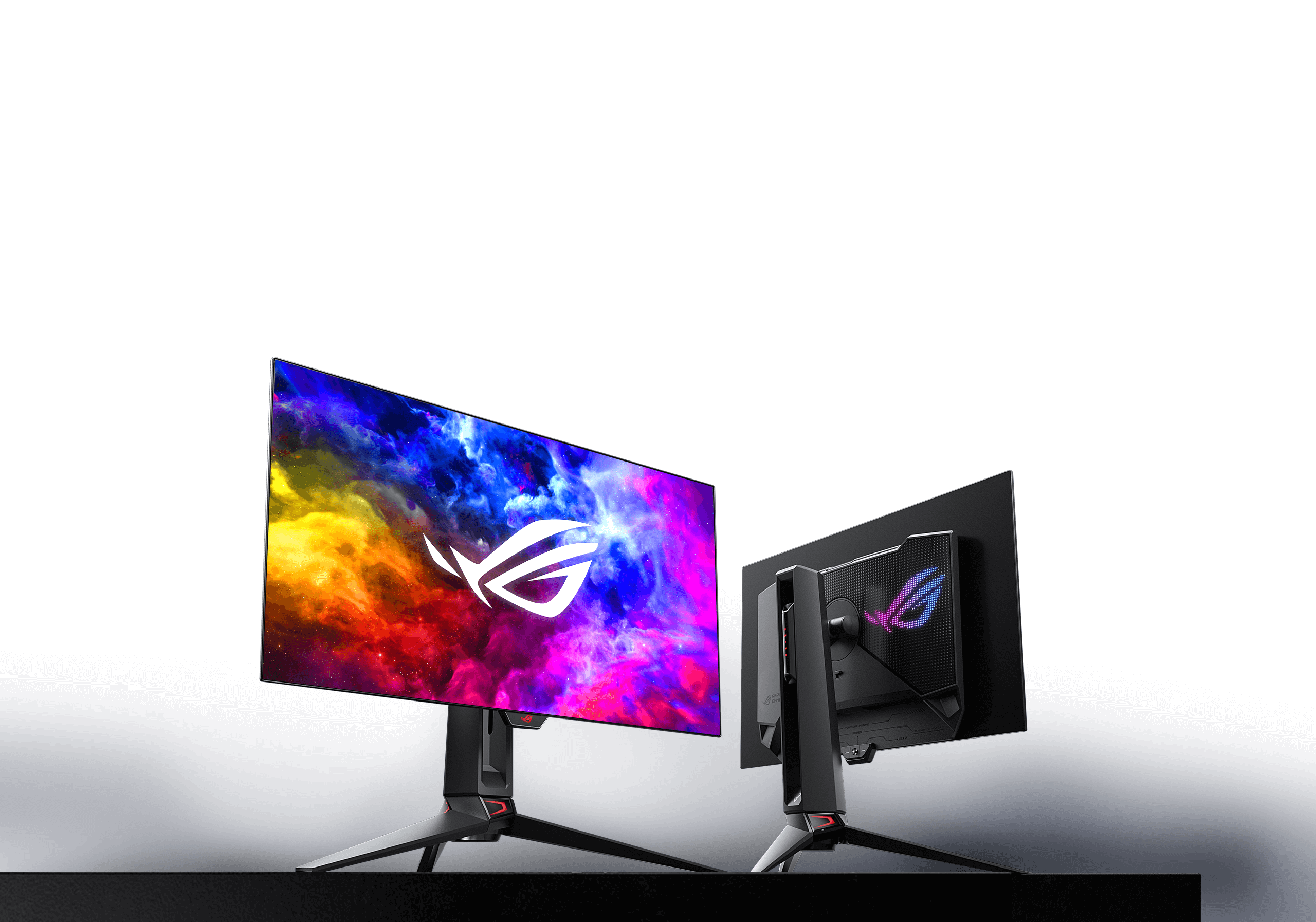
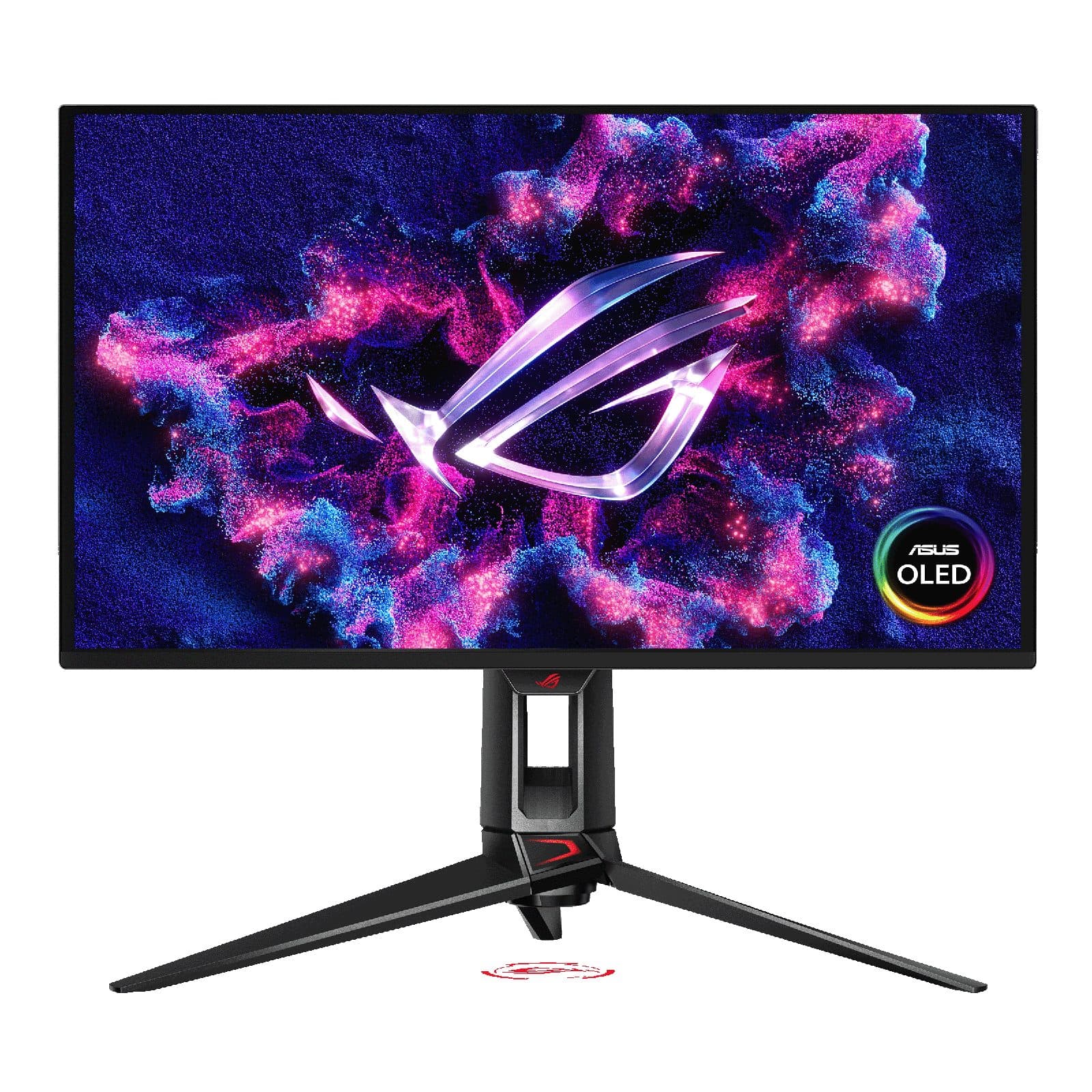
“Tom's Hardware flagship — 27" 4K @ 240Hz 4th-gen QD-OLED with Dolby Vision, 0.03ms response, DisplayPort 2.1. The default "absolute best 27" OLED" pick where pixel density genuinely matters.”
17% STABLE
Gaming monitors ranked — 4K OLED flagships, 1440p OLED value, ultrawide immersive, and high-refresh non-OLED picks across panel-tech and refresh-rate tiers.
“Tom's Hardware flagship — 27" 4K @ 240Hz 4th-gen QD-OLED with Dolby Vision, 0.03ms response, DisplayPort 2.1. The default "absolute best 27" OLED" pick where pixel density genuinely matters.”
17% STABLE
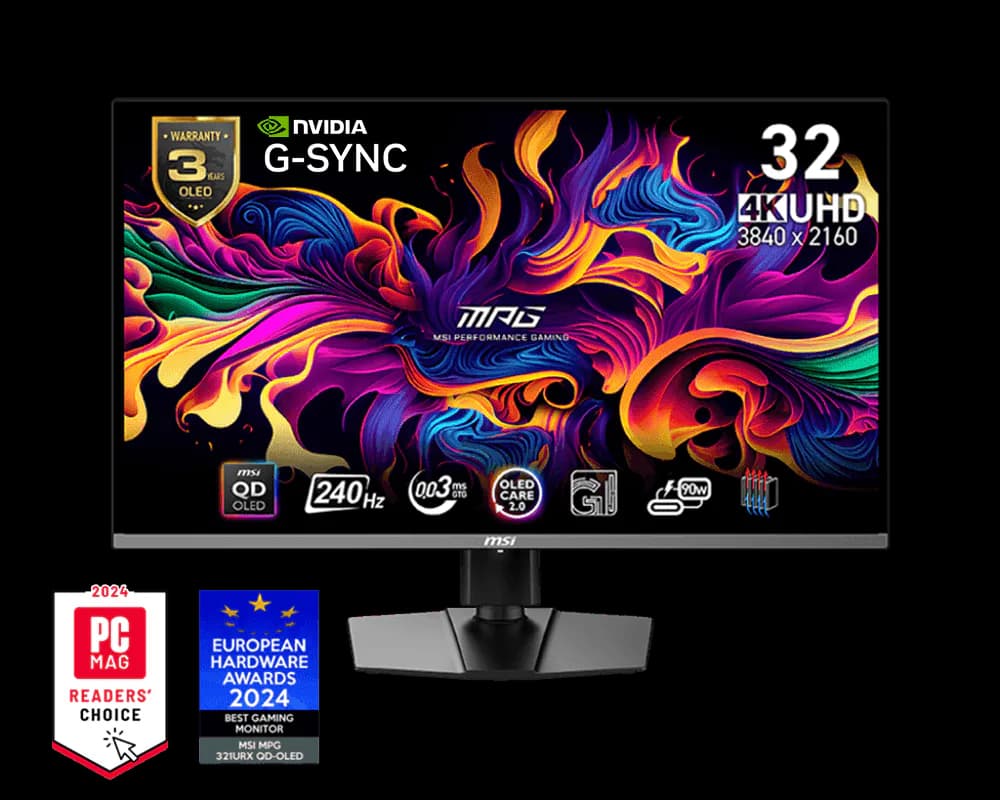
“PCGamer's 2026 top pick — 32" 4K @ 240Hz 3rd-gen QD-OLED at the sub-$1,000 sweet spot. 0.03ms grey-to-grey, 1,000-nit peak HDR, DisplayHDR True Black 400. The 4K scale that 27" can't deliver, at flagship pricing.”
15% STABLE
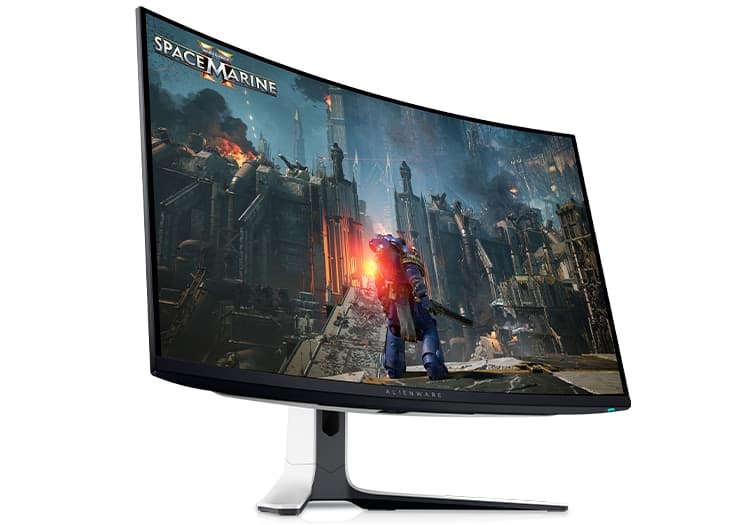
“Tom's Hardware's "absolute best gaming monitor on the market" — the first 32" 4K @ 240Hz QD-OLED with Dolby Vision and 1800R curve. The right pick for buyers who want the curve and Dolby Vision at the 32" 4K OLED tier.”
13% STABLE
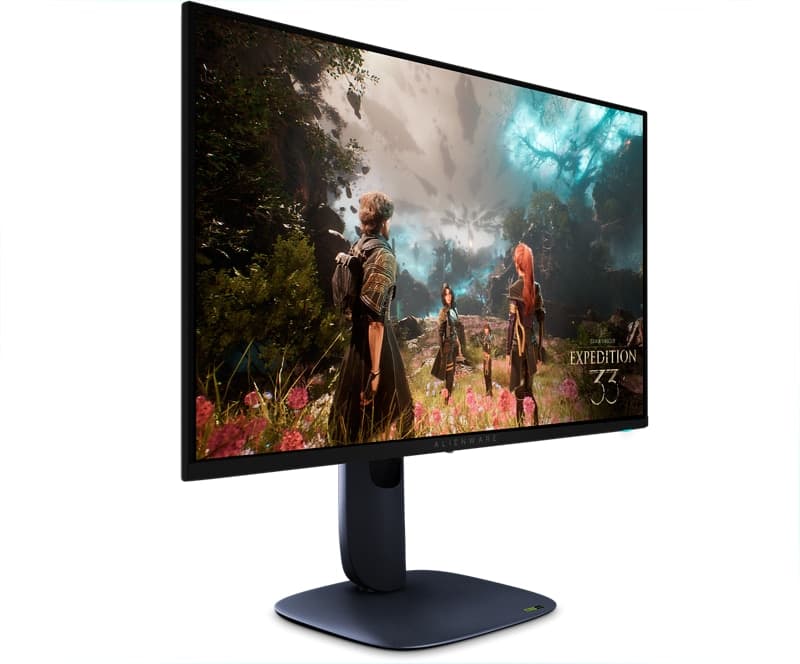
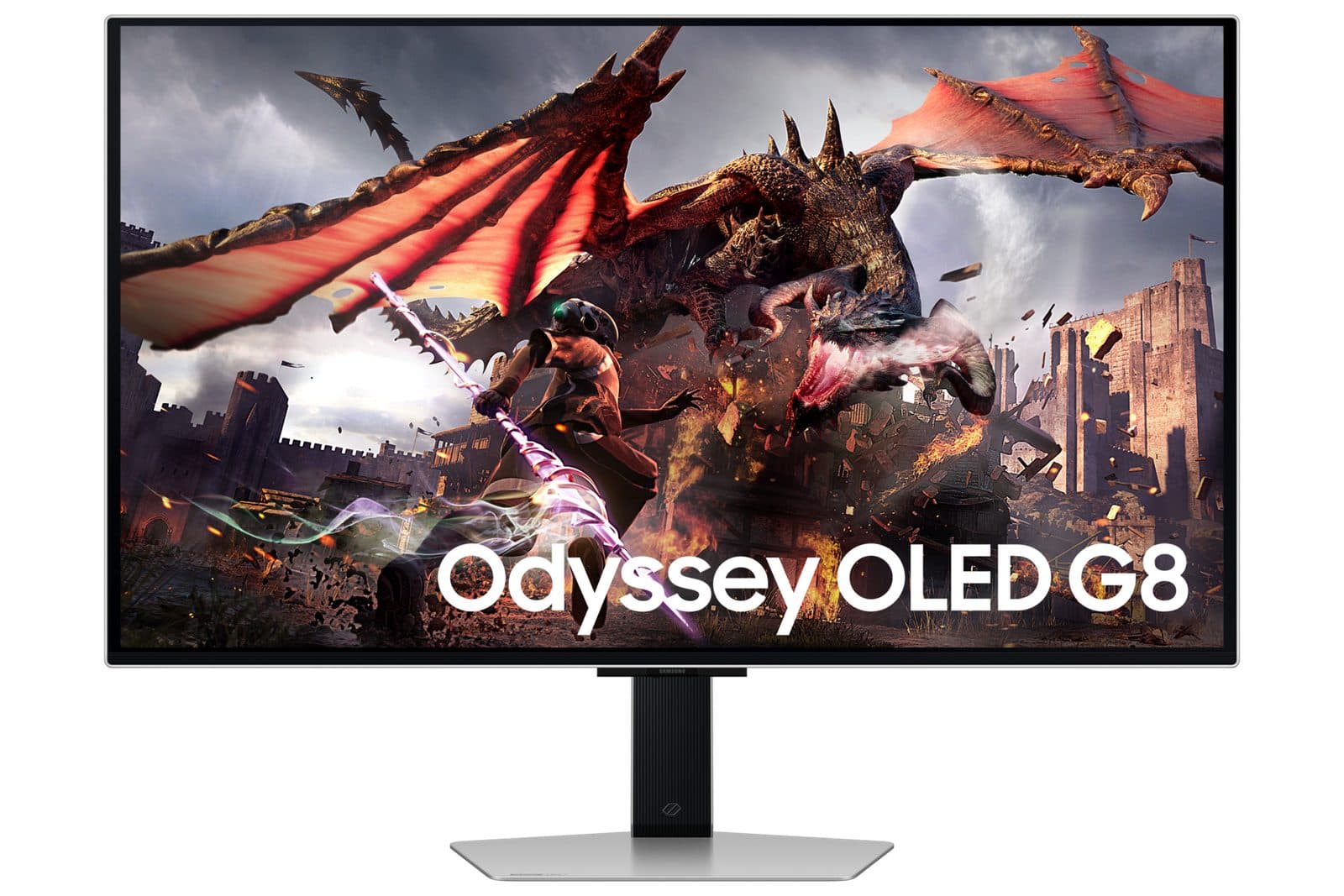
“The flat 32" 4K @ 240Hz QD-OLED — for buyers who specifically don't want a curve at this size class. Same 4th-gen Samsung QD-OLED supply as the AW3225QF, with Tizen OS built-in (AirPlay 2, SmartThings, Xbox Cloud Gaming, GeForce Now) doubling as a console + cloud-gaming hub.”
12% STABLE
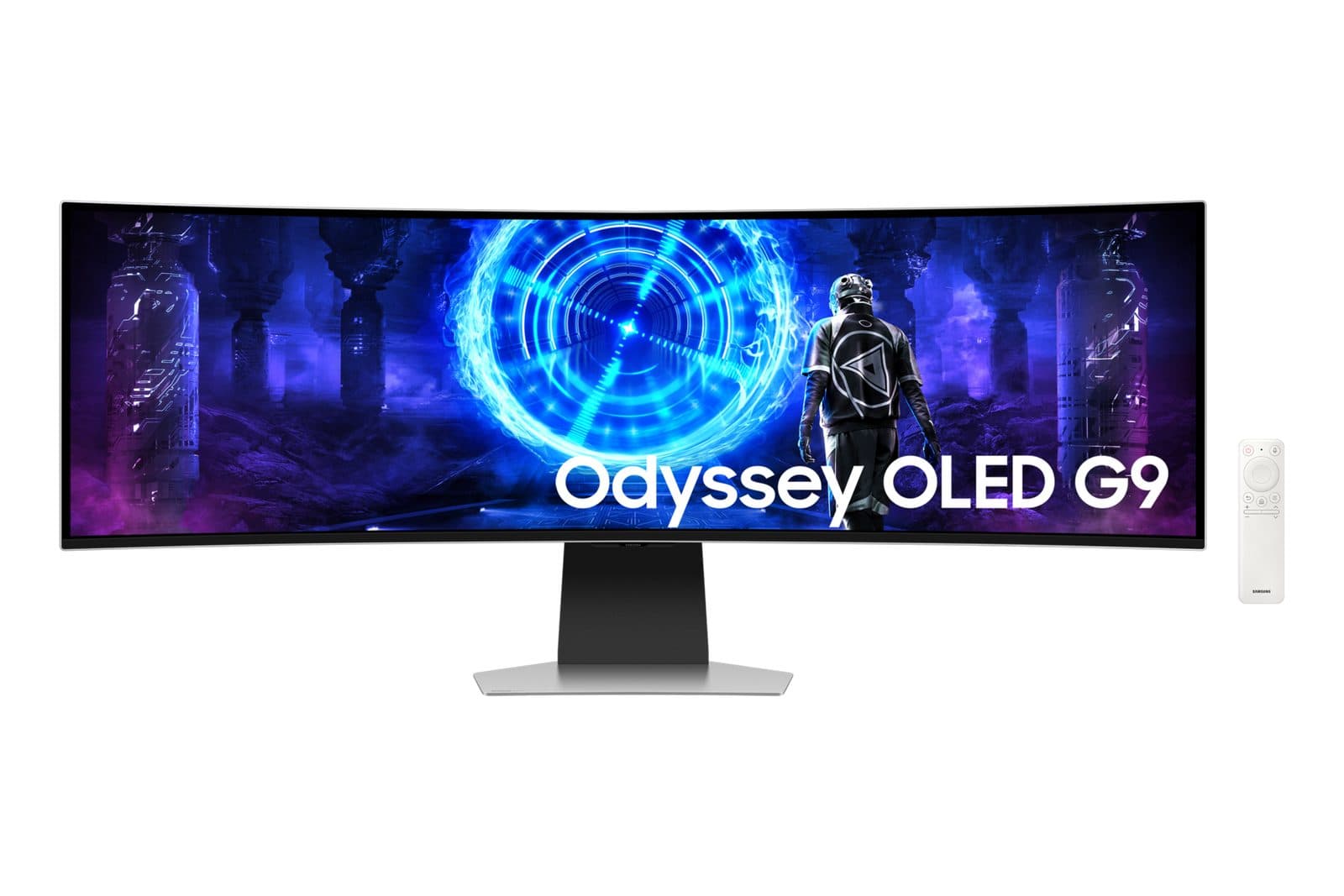
“The only 49" superultrawide QD-OLED at 240Hz — 5120x1440 triple-monitor-equivalent real estate in a single 1800R curved panel, FreeSync Premium Pro VRR, 0.3ms response, ~3ms input lag, Tizen smart-platform integration. The "one monitor that does everything" pick for sim + productivity + console + cloud.”
11% STABLE
“The 27" 1440p @ 240Hz WOLED that defined the 1440p OLED gaming category — 99% DCI-P3, true 10-bit color, 0.03ms response. The right OLED-gaming pick when 4K-tier pricing isn't the brief and 1440p is the resolution sweet spot at 27".”
9% STABLE
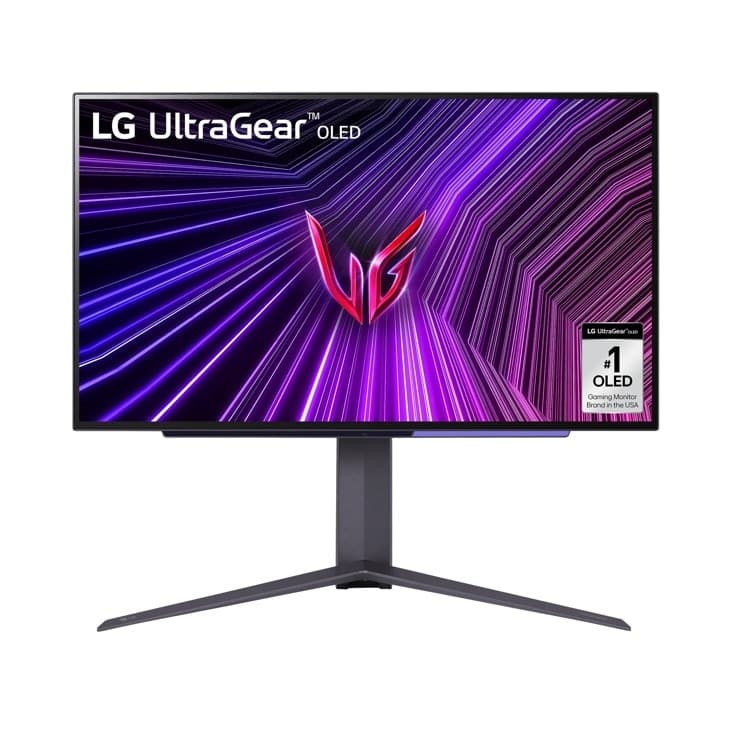
“LG's current 27" 1440p @ 240Hz WOLED — the brighter 27GR95QE successor (275-nit typical / 1000-nit HDR peak vs predecessor's 200-nit), 0.03ms response, DisplayHDR True Black 400, FreeSync Premium Pro + G-Sync Compatible. The right alternative to the PG27AQDM for LG-tone-calibration buyers.”
8% STABLE
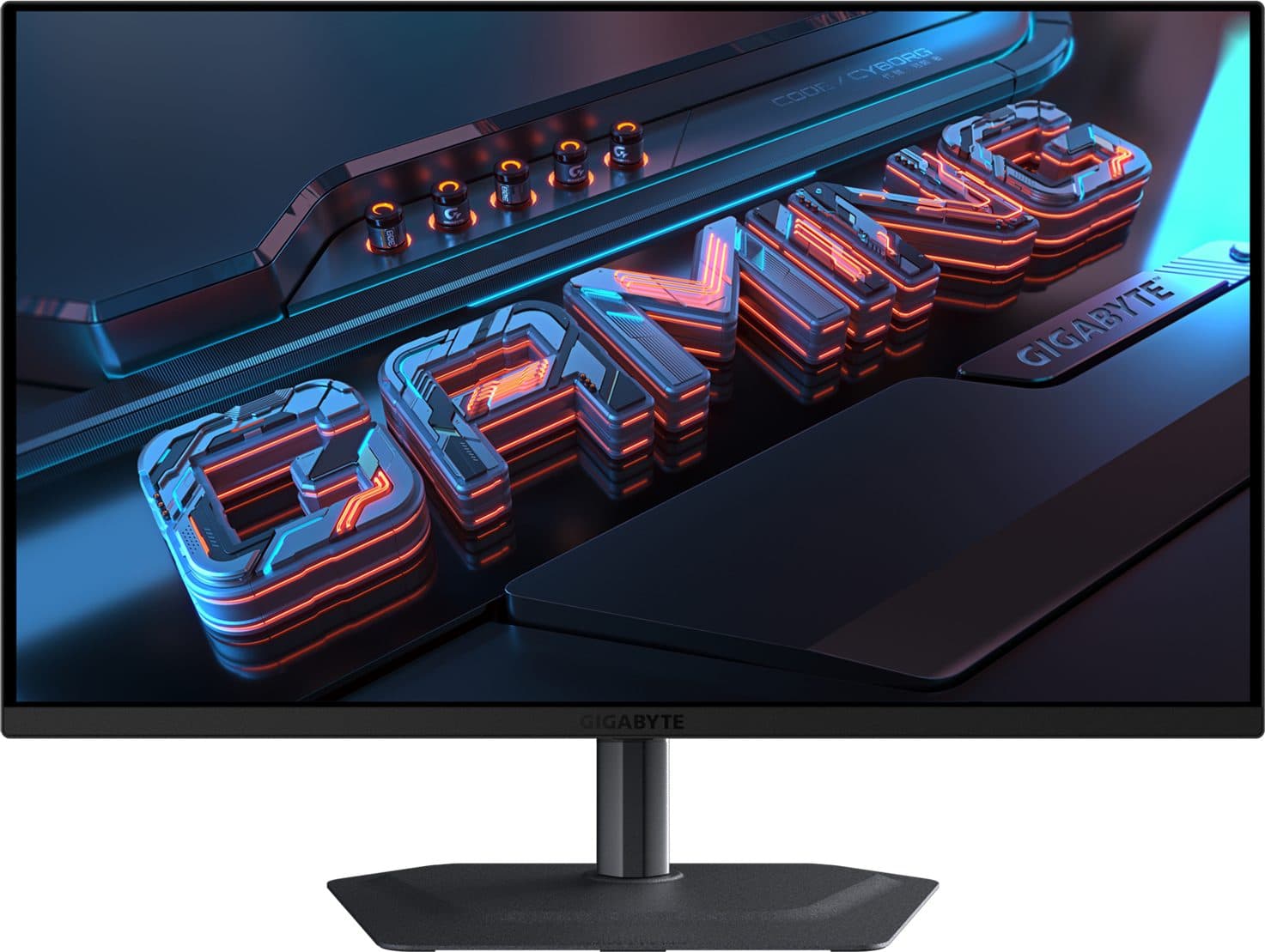
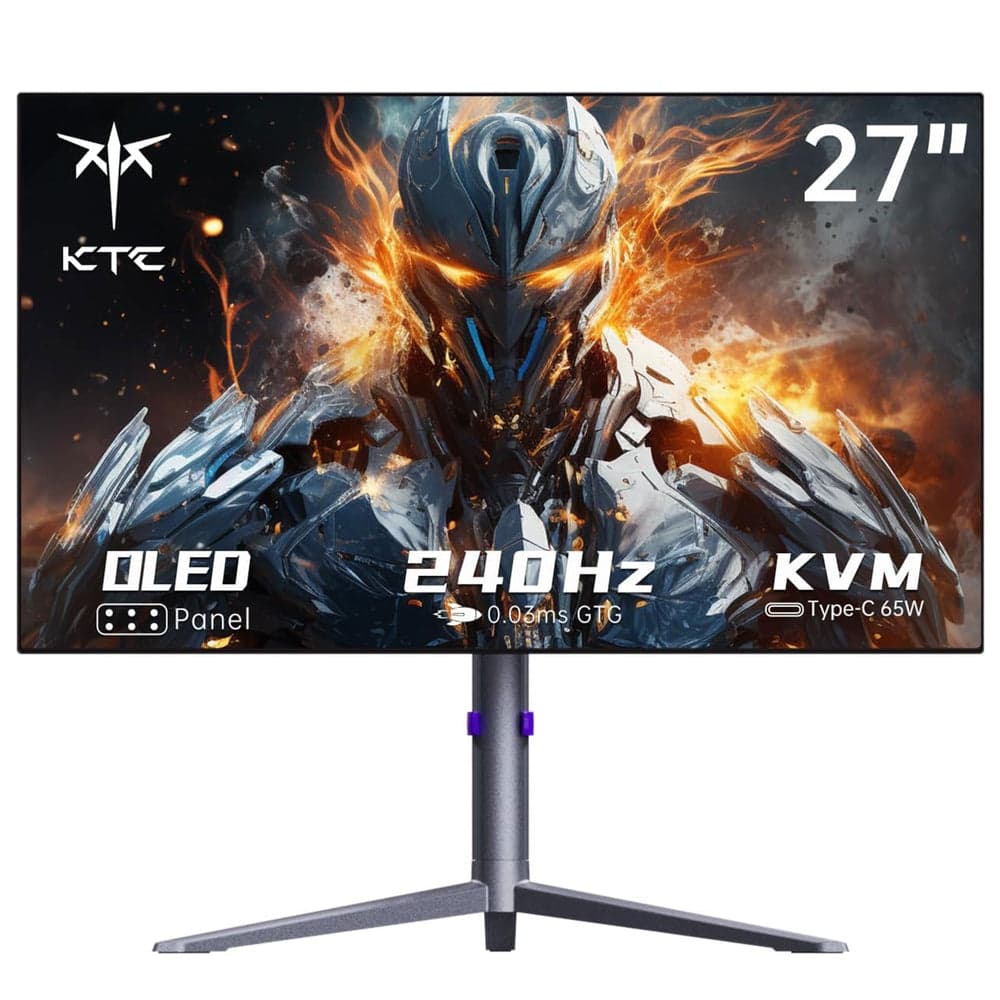
“The value 1440p OLED — MLA+ W-OLED at 240Hz / 0.03ms response in a sub-$500 chassis (often $499 with Amazon coupon), with built-in KVM, USB-C 65W PD, integrated speakers, dual FreeSync + G-Sync compatibility. GamesRadar's "I can't get over how good this cheaper OLED is" — OLED gaming entry-point.”
6% STABLE
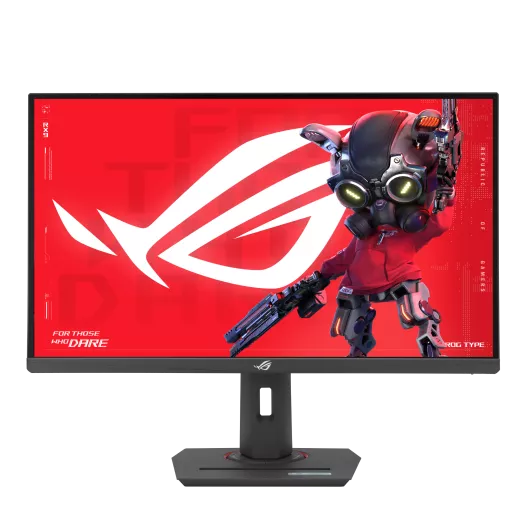
“The best-value 1440p IPS — 27" Fast IPS at 180Hz / 1ms GtG with variable overdrive (rare at this price), HDR400, dual FreeSync + G-Sync compatibility. Tom's Hardware's "exceptional accuracy and flexible performance" — reference-class IPS at sub-$300 for 1440p high-refresh without OLED commitment.”
5% STABLE
“The dual-mode Mini-LED — 27" 4K @ 160Hz Mini-LED (HDR1000 / 1,200-nit peak) that switches to FHD @ 320Hz for competitive FPS via hotkey toggle. 99% DCI-P3 / Adobe RGB, 1ms GtG, FreeSync Premium + G-Sync Compatible, HDMI 2.1 VRR. 4K AAA + FPS-mode flexibility without OLED pricing.”
4% STABLE
OLED (QD-OLED or W-OLED) wins on response time (0.03ms grey-to-grey vs ~1ms for the fastest IPS), contrast (per-pixel-self-emission means true black vs IPS's gray-on-gray), and color volume in dark scenes — the gap is visually obvious in side-by-side competitive testing. LCD (Fast IPS or Mini-LED) wins on peak full-screen brightness (typically 400-600 nits sustained vs OLED's ~250 nits sustained), price (sub-$300 1440p IPS exists; sub-$500 1440p OLED only just became feasible with KTC G27P6S), and burn-in immunity (OLED has improved dramatically since 2023, but static UI elements like always-on HUDs are still a long-term concern for desktop-mixed-use buyers). 2026 rule of thumb: if the monitor will be 90%+ gaming + media, OLED is the right call. If it's a workhorse with static productivity UI rendering 8+ hours a day, IPS is the safer bet.
Match the resolution to your GPU and your size class. At 27", 4K is borderline overkill for desk-distance gaming (the pixel density advantage tops out around 24-27" and 1440p delivers 95% of the visible sharpness while leaving ~30% more GPU headroom for higher framerates). At 32", 4K becomes meaningfully better (1440p starts to look soft at 32"). At 49" superultrawide (5120x1440), the resolution is essentially "1440p at triple-monitor width" — not 4K. GPU pairing matters more than panel: an RTX 4070 / Radeon 7800 XT class GPU pushes 4K 144-240Hz on most 2026 titles with frame generation; lower tiers stay 1440p-native for sustained high refresh.
For AAA single-player gaming: no — 240Hz is already past the visual-perception ceiling for most players. For competitive multiplayer FPS (Valorant, CS2, Apex Legends, Overwatch 2): yes — 360Hz and 480Hz deliver measurable latency advantages (~2.8ms vs 4.2ms vs 8.3ms frame-to-photon at sustained framerate), and competitive players consistently report better target-acquisition consistency at higher refresh. The catch: 480Hz at 1440p OLED (ASUS ROG Swift PG27AQDP) costs the same as 240Hz at 4K OLED, so the choice is "refresh rate ceiling" vs "resolution ceiling." If competitive ranking is the primary use case, 480Hz at 1440p is the right pick; if AAA visuals matter more, 240Hz at 4K is the right pick.
Curve depth (measured in R-radius; smaller = more curved) starts to matter at 32" and becomes essential at 49" superultrawide. At 27": curve adds nothing — the screen edges are already in central vision, and curve can introduce mild geometric distortion for productivity/creative work. At 32": 1800R curve (the AW3225QF / G9 default) adds noticeable immersion in racing/simulation/single-player AAA without significantly compromising desktop usability. At 49" superultrawide: curve is mandatory — a flat 49" 5120x1440 would have edges 18+ inches off-axis and would be unusable for both gaming and productivity. The G95SD's 1800R curve makes the far edges of the screen feel proportional to central vision.
All three converge on the same outcome (tear-free gameplay between minimum and maximum refresh rates), and most 2026 gaming monitors support multiple simultaneously. NVIDIA GPU + DisplayPort → G-Sync Compatible (NVIDIA's certification of FreeSync monitors as G-Sync-equivalent — same hardware, just certified). AMD GPU + DisplayPort → FreeSync Premium Pro. Console + HDMI 2.1 (PS5 / Xbox Series X) → HDMI 2.1 VRR (Sony/Microsoft's variant). The practical advice: as long as the monitor advertises G-Sync Compatible AND FreeSync Premium Pro AND HDMI 2.1 VRR, VRR works on every input combination you'd plausibly use. All 10 monitors in this list meet that bar.
Gaming monitors are a major Prime Day SERP category, and the historical pattern (Prime Day 2024 / 2025) suggests 15-25% discounts on premium OLED tier (the $999-$1,299 4K QD-OLED segment) and 25-35% discounts on the 1440p value tier (KTC G27P6S, ROG Strix XG27ACS, Acer Nitro XV275K). Manufacturer-direct sales (rog.asus.com, samsung.com, lg.com) often match or beat Amazon during the window. The buying advice: if you're committed to a specific premium pick (PG27UCDM, AW3225QF, G9 G95SD), watch the manufacturer-direct page in addition to Amazon — direct sales sometimes include bundled accessories (cables, monitor arms, wall mounts) that Amazon listings don't carry. For the value tier ($290-$599), Amazon Prime Day is typically the lowest-price window of the year.
Think a product deserves a spot on this list? Submit a formal proposal with documented specs and the community will review it.