The Verdict
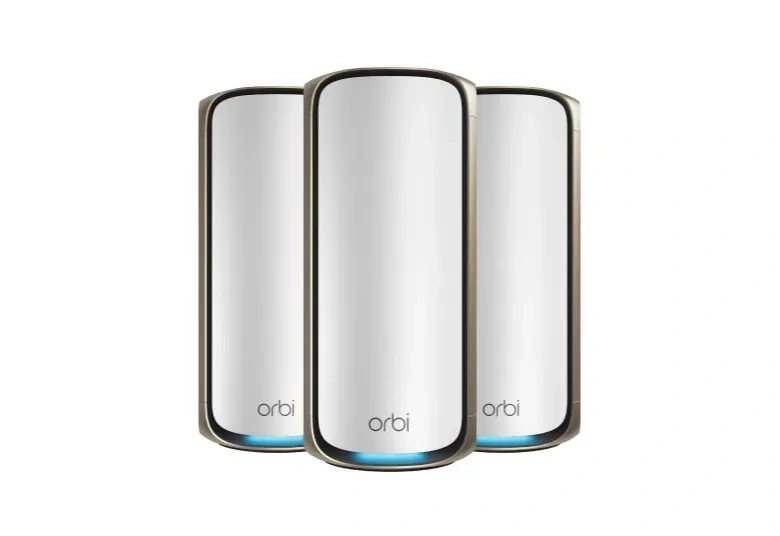
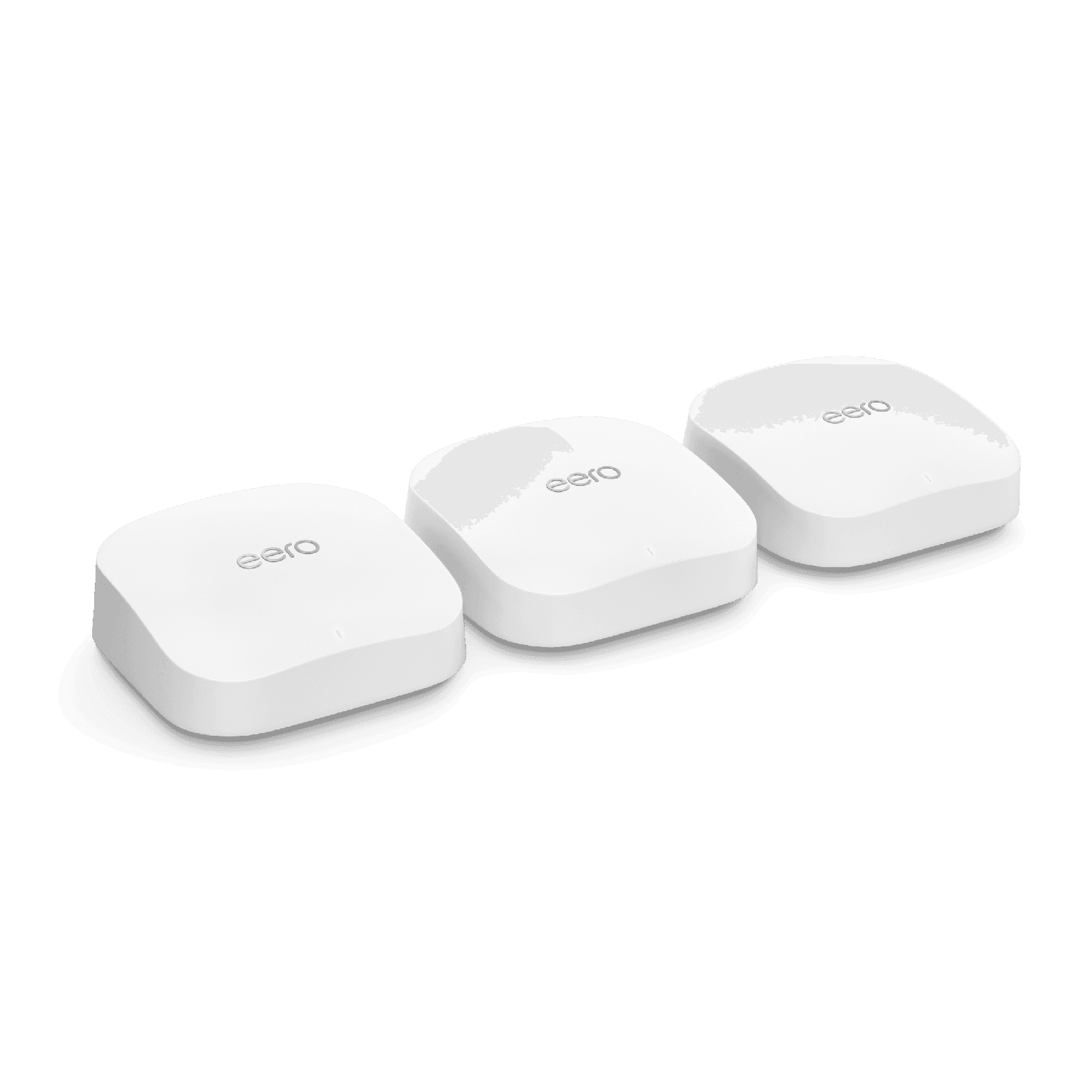
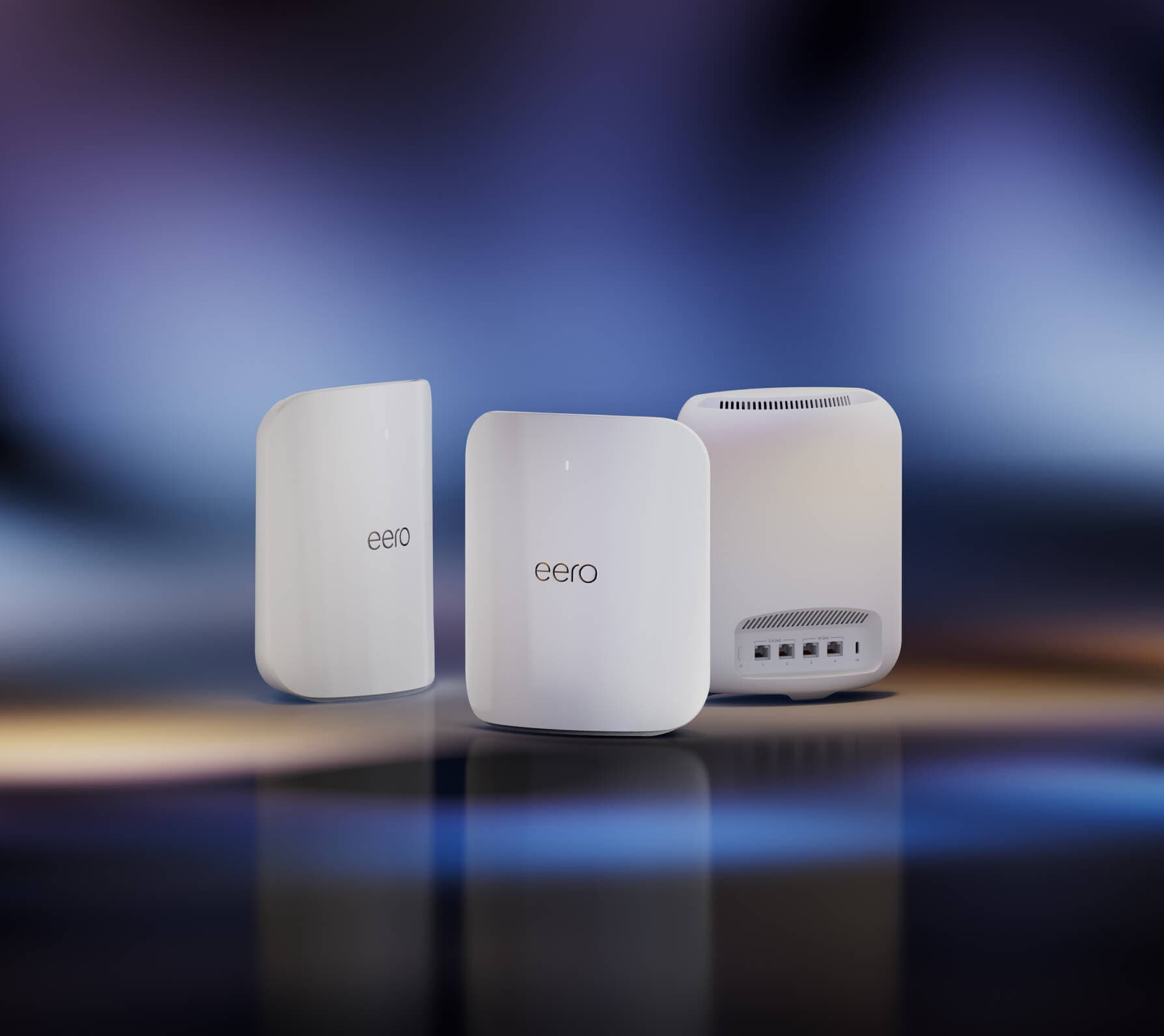
“The WiFi 7 flagship to beat — tri-band with 10 Gbps wired ports and an app that hides every bit of complexity. Effortless setup and rock-solid performance for homes with gigabit-plus service.”
14% STABLE
Whole-home Wi-Fi systems that replace router + extenders with one network.

“The WiFi 7 flagship to beat — tri-band with 10 Gbps wired ports and an app that hides every bit of complexity. Effortless setup and rock-solid performance for homes with gigabit-plus service.”
14% STABLE

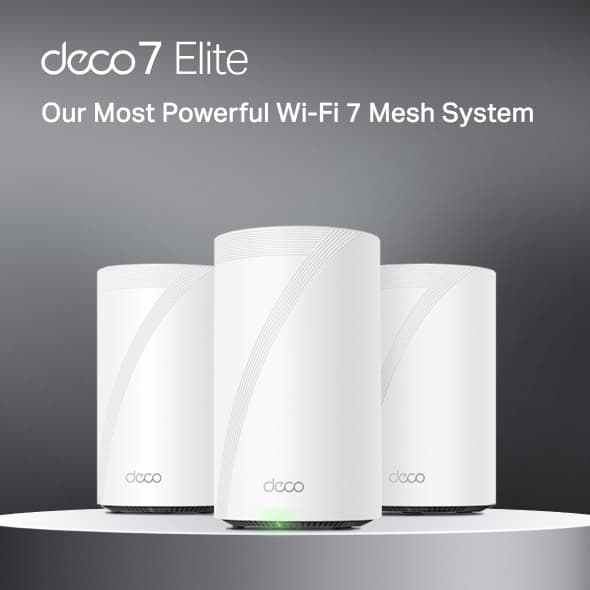
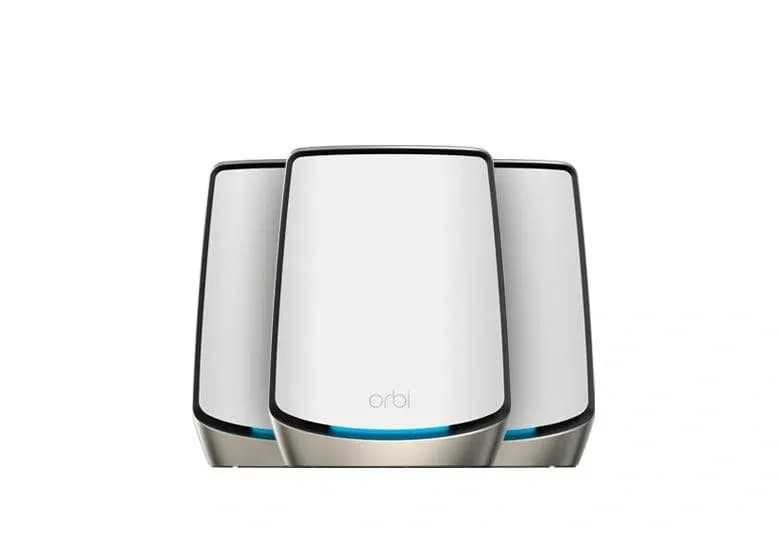
“Quad-band WiFi 7 with a dedicated 10 Gbps backhaul delivers the most raw throughput of any consumer mesh. Expensive and physically large — but nothing matches its ceiling.”
9% STABLE

“Quad-band WiFi 7 at roughly half the Orbi's price. Four 10 Gbps ports per node and no subscription for advanced features make it the enthusiast value pick.”
12% STABLE

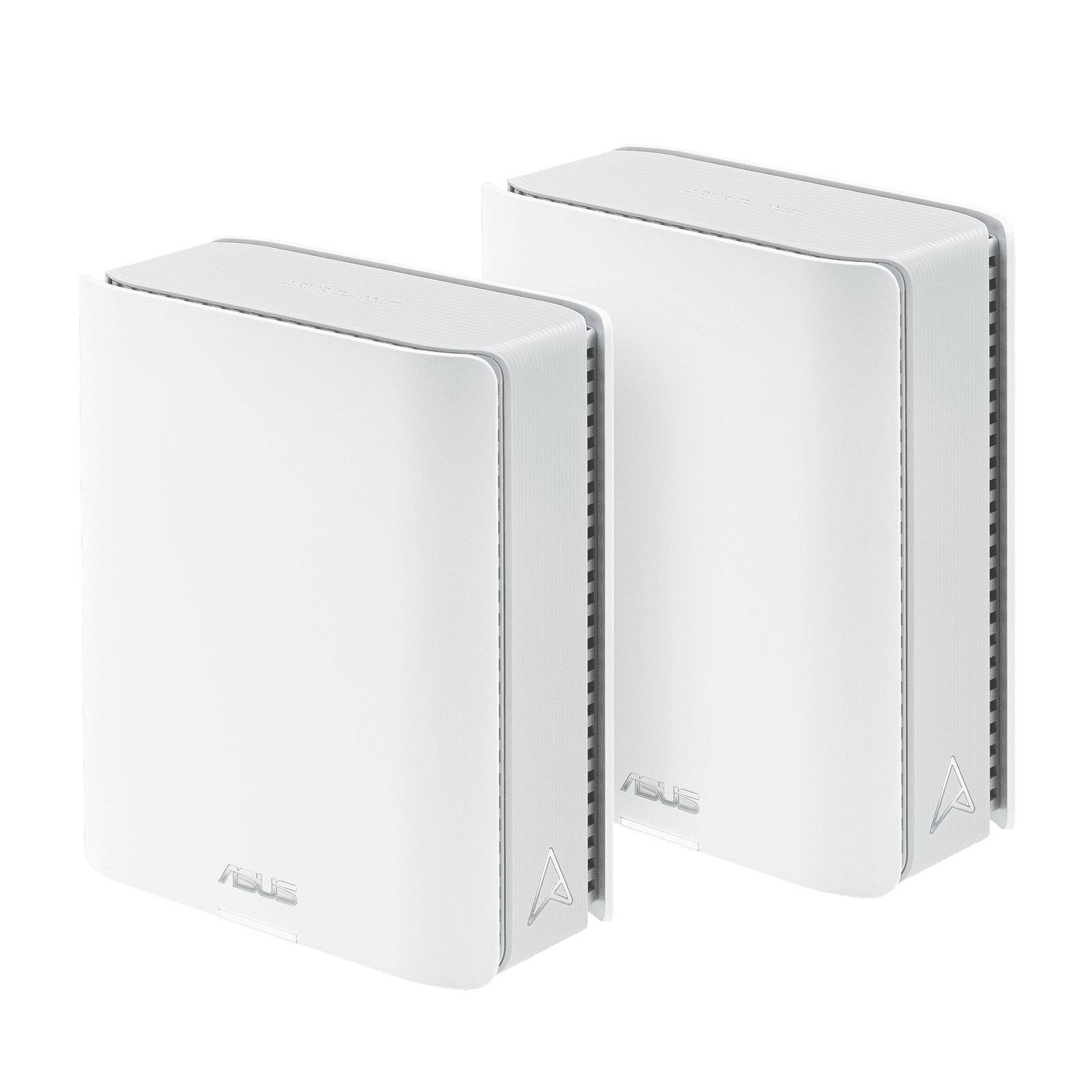
“Tri-band WiFi 7 with AiMesh and lifetime-free AiProtection security. Deep controls for power users without sacrificing the one-tap simplicity of Eero or Deco.”
11% STABLE

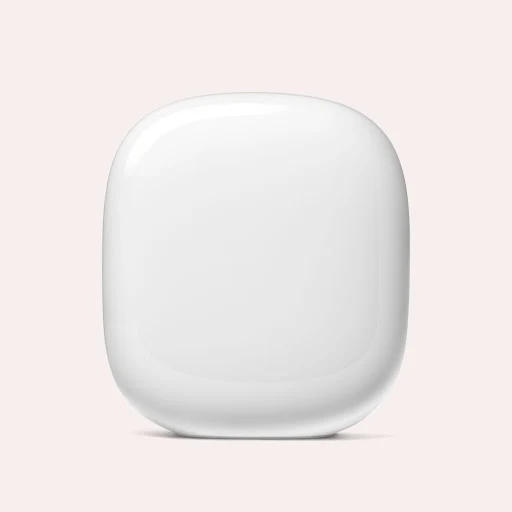
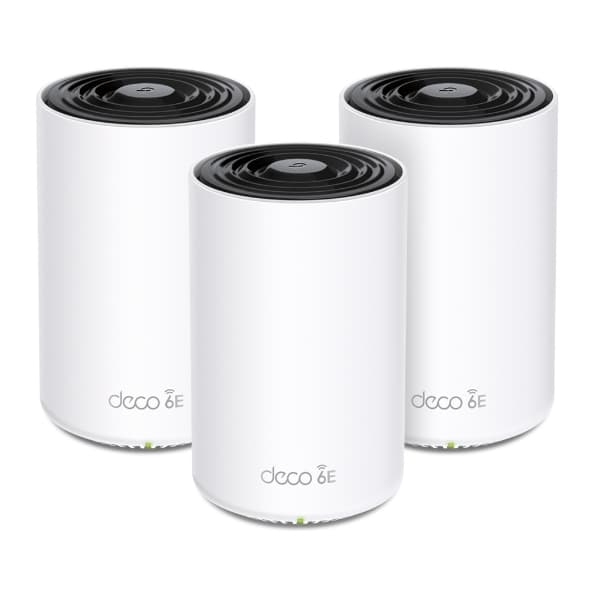
“WiFi 6E in an unobtrusive package with Google Home integration and the simplest app on the market. The right choice for non-technical households that want set-and-forget networking.”
11% STABLE

“Tri-band WiFi 6E with the signature Eero experience — add nodes in under a minute and forget about them. A sensible step-up from the base Eero 6 for homes with many devices.”
9% STABLE

“Tri-band WiFi 6E with 2.5 Gbps ports on every node and no paywalled features. A strong mid-tier option that punches above its price in real-world throughput tests.”
8% STABLE

“The last-generation Orbi tri-band WiFi 6 system, now heavily discounted. Dedicated backhaul and strong coverage still embarrass most WiFi 6 competitors.”
7% STABLE

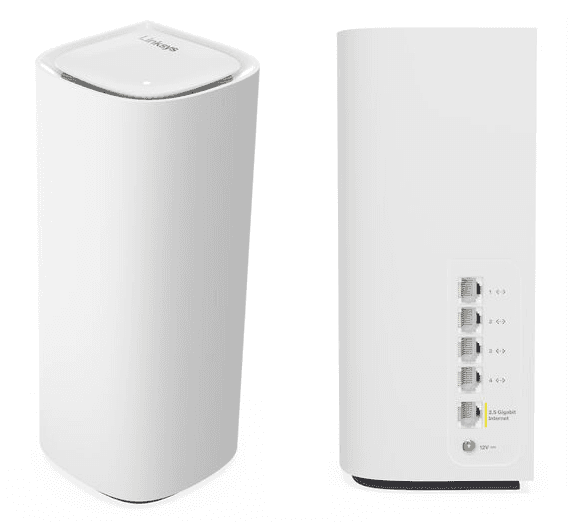
“Tri-band WiFi 7 with a cloud-managed app and cognitive mesh steering. A credible alternative to Eero Max 7 for users who prefer Linksys's interface.”
10% STABLE

“Entry-level dual-band WiFi 6 at a price that makes upgrading from a rented ISP router a no-brainer. Limited ceiling, but the Eero simplicity carries over unchanged.”
9% STABLE
Wi-Fi 6 (802.11ax) improves efficiency on the 2.4 GHz and 5 GHz bands and is the baseline for any system bought today. Wi-Fi 6E adds the 6 GHz band, which is faster and less congested but requires Wi-Fi 6E client devices to benefit. Wi-Fi 7 (802.11be) builds on 6E with Multi-Link Operation, 320 MHz channels, and 4K-QAM, delivering meaningfully higher throughput and lower latency — but you only see the full benefit if your phone, laptop, or TV is also Wi-Fi 7. For a home you plan to keep the system in for 4-6 years, Wi-Fi 7 is the purchase that ages best.
Most Wi-Fi 7 tri-band systems cover 2,000 to 3,000 square feet per node in an average home. A typical apartment or small house needs one or two nodes, a mid-size single-story home needs two, and a multi-story or 3,500+ square-foot home usually needs three. Dense construction materials like plaster, brick, and concrete can cut coverage significantly — if your house has old walls or a detached garage you want covered, plan for an extra node.
Yes, whenever it's practical. A wired (Ethernet) backhaul moves traffic between nodes on dedicated cable instead of the Wi-Fi channel, which frees up wireless bandwidth for your devices and dramatically improves real-world throughput — often 2-3x in multi-gig setups. Premium systems like the Netgear Orbi 970 and TP-Link Deco BE95 reserve a high-speed 6 GHz band for wireless backhaul, which is the next best option if you can't run cable.
Most flagship 2026 mesh systems do. The Amazon Eero Max 7 and Eero Pro 6E include Thread border routers and Matter support out of the box, acting as the hub for compatible smart home devices. Google Nest WiFi Pro also includes Thread. Netgear, TP-Link, and Asus systems vary by model — check the spec sheet if Matter or Thread is a deciding factor. Outside of Eero and Nest, most mesh systems still expect a separate smart home hub.
Usually no — most ISP modem/router combos can be put in "bridge mode," which turns off the ISP's Wi-Fi and routing and lets your mesh system handle everything. This avoids a double-NAT situation that can break port forwarding, game consoles, and some smart home devices. If your ISP provided a pure modem (no router built in), you simply plug the mesh's main node directly into it and you're done.
Rankings combine expert review aggregation with community voting. Each system receives a Gavler Score (out of 10) based on professional reviews evaluating throughput, coverage, reliability, ease of setup, app quality, and feature depth. Community members cast one vote per list, ensuring rankings reflect real buyer preference rather than marketing hype.
Think a product deserves a spot on this list? Submit a formal proposal with documented specs and the community will review it.