Amazon Eero 6+.
Entry-level dual-band WiFi 6 with the full Eero app experience and a price that makes the upgrade path from a rented router a no-brainer for sub-gigabit homes.

The Verdict.
Gavler Meta-Score
“The right Eero for the job most home networks actually need to do — replacing a rented ISP combo router with whole-home WiFi 6 coverage. At $299 for a three-pack it's the best WiFi mesh under $300, and it delivers the full Eero app experience that costs three times as much in the rest of the lineup. Buy the 6+ for sub-gigabit broadband, sub-30-client homes, and the cleanest possible upgrade from a rental gateway.”
The Gavler Verdict
The Gavler Review.
Amazon Eero 6+ Review: The Honest Upgrade From a Rented Router
The Amazon Eero 6+ ranks number 10 on Gavler's Best Mesh WiFi Systems list with a 7.7, and it's built for the single most common upgrade decision in home networking: replacing a rented ISP combo router with a real mesh system. Android Police put it plainly — "the best entry point for a mesh network — much cheaper than the Pro 6 and Pro 6E without losing the Eero experience that makes the platform worth buying." Buy it if your broadband plan sits at or below 1 Gbps and you're tired of paying rental fees on a single-router gateway that can't reach the back of the house. Skip it if you're running a dense smart home or fiber above 1 Gbps — that's the Eero Pro 6E's job.
What it is
Each Eero 6+ node carries a dual-band WiFi 6 radio — 2.4 GHz and 5 GHz, with the 160 MHz wide-channel option that doubles available bandwidth on capable clients — plus two 1 Gbps Ethernet ports and the same TrueMesh routing engine that powers the rest of the Eero lineup. A three-pack covers up to 4,500 sq ft, comfortably enough for the typical household running streaming, video calls, and a moderate smart-home device count.
The value case rests on a specific, common buyer profile: someone currently paying $10-15 a month to rent an ISP gateway router, on a broadband plan at 1 Gbps or below. For that buyer, the Eero 6+ pays for itself in roughly 18-24 months in rental savings alone — and the coverage upgrade is genuinely transformative, since most ISP-rented combo units are single-router designs that were never built to reach a typical American home's far corners. TechRadar's setup-experience praise backs this up directly: "The eero app makes setup an absolute breeze, and even users who don't consider themselves tech-savvy can navigate the process easily."
In use
Real-world throughput holds up at the entry-tier price. BroadbandNow measured "346 Mbps from 35 feet away from the node on the other side of a wall" — solid performance for a dual-band system at this cost. RTINGS summarized the target audience precisely: "A solid pick for sub-gigabit homes that have outgrown a rented ISP router but aren't ready to spend WiFi 6E or 7 money."
The limitations are real and proportionate to the price. There's no 6 GHz band, so there's no WiFi 6E feature set to speak of. The dual-band design means client devices and node-to-node backhaul traffic share the same 5 GHz band — a non-issue in a sub-30-client home, but a real constraint that starts to compress performance as device counts climb. Advanced security and parental controls live behind the separate Eero Plus subscription, the same structure used across the rest of the Eero lineup. For the household this router is actually built for, none of that matters. For a 30-plus-device smart home on a 1.5 Gbps fiber line, it's a genuine ceiling.
Strengths
- The fastest, cleanest upgrade path off a rented ISP router, with rental-fee payback typically landing in 18-24 months for a sub-gigabit household.
- The full Eero app experience at a third of the flagship price — the same TrueMesh routing and setup simplicity that defines the rest of the lineup.
- Thread border-routing support built in, giving Matter-compatible smart-home devices a modern backbone even at the entry tier.
The trade-offs — who should skip it
- You have a fiber plan faster than 1 Gbps. The dual-band, no-6E design will bottleneck a faster connection well before the ISP's pipe does — step up to the Eero Pro 6E.
- You're running a dense smart home. Past roughly 30 clients, the shared 5 GHz band for clients and backhaul starts to show real performance compression.
- You want subscription-free advanced security. Eero Plus is a separate purchase for parental controls and threat detection — buyers who want that included free should look at the TP-Link Deco XE75 Pro instead.
How it compares
Higher up the list, the Eero Pro 6E ranks 6th with an 8.4 at $699 — more than double the Eero 6+'s price, but with the 6 GHz band, tri-band architecture that separates backhaul from client traffic, and headroom for faster fiber plans and larger smart-home device counts.
The Netgear Orbi RBK863 sits one rank up from the Eero 6+ on the value end of the list, and offers a useful contrast: dedicated backhaul architecture and stronger far-room coverage for large, dense-construction homes, at a list price that's roughly triple the Eero 6+ when not discounted.
The Gavler verdict
A 7.7, with the community rating at 85 running notably ahead of the 75 expert consensus. The scoreNote calls both sides of that gap correct: "Expert scores ding the dual-band design for dense-device homes and the absence of WiFi 6E. Both reservations are correct and both miss the point at the entry-tier price." That's the right way to read this router. It's not trying to be a flagship, and it isn't priced or spec'd like one. For the job most home networks actually need done — replacing a rented gateway with real whole-home coverage — the Eero 6+ is the best mesh under $300 on the market.
Common Questions
For households replacing a rented ISP gateway on a sub-gigabit plan, yes. It ranks 10th on Gavler's Best Mesh WiFi Systems list with a 7.7, and Android Police called it 'the best entry point for a mesh network — much cheaper than the Pro 6 and Pro 6E without losing the Eero experience that makes the platform worth buying.'
No to both. It's a dual-band WiFi 6 system with no 6 GHz band, and clients share the 5 GHz band with node-to-node backhaul traffic — fine for sub-30-client homes, but it starts to compress as device counts grow past that. Households running 30-plus smart-home devices on a fast fiber line should look at the Eero Pro 6E instead.
Buy the Eero 6+ if your ISP plan is 1 Gbps or below and you're mainly replacing a rented gateway router — at $299 it delivers the full Eero app experience for a third of the Pro 6E's price. Buy the Pro 6E if you have a faster fiber plan, a dense smart-home device count, or want the 6 GHz band's reduced congestion in a crowded RF environment.
Where to Buy.
Prices checked regularly
90-day price history
Price History
Steady at $299 for the entire 90-day tracking window — no increases, no discounts, across 91 tracked days.
Tracked daily across retailers. Vote Want itabove and we’ll alert you the moment the price drops.
Some links are affiliate links — Gavler may earn a commission. This never affects rankings or scores. Learn more.
Precision Engineering
Dual-Band WiFi 6 (with 160 MHz)
2.4 and 5 GHz bands with the wide-channel option that doubles bandwidth on capable clients.
Two 1 Gbps Ports per Node
Gigabit Ethernet on every node for wired devices or wired-backhaul mesh setups.
TrueMesh + Thread Border Router
Eero's dynamic mesh routing at the entry-tier price, with Thread border-routing support for Matter smart-home devices.
Technical Specifications
The Scoreboard
Community score runs above expert consensus — owners value the simplicity and the price. Expert scores ding the dual-band design for dense-device homes and the absence of WiFi 6E. Both reservations are correct and both miss the point at the entry-tier price.
Cast Your Vote
Do you think Amazon Eero 6+ deserves the #10 spot in Best Mesh WiFi Systems?
Global Critique
“Delivers widespread connectivity and a simple setup process for average homeowners — the eero app makes setup an absolute breeze, and even users who don't consider themselves tech-savvy can navigate the process easily.”
“Signal throughput clocked at 346 Mbps from 35 feet away from the node on the other side of a wall — strong real-world performance at the entry-tier price.”
“The best entry point for a mesh network — much cheaper than the Pro 6 and Pro 6E without losing the Eero experience that makes the platform worth buying.”
“A solid pick for sub-gigabit homes that have outgrown a rented ISP router but aren't ready to spend WiFi 6E or 7 money.”
More from Best Mesh WiFi Systems.
See how other top picks compare in this category.
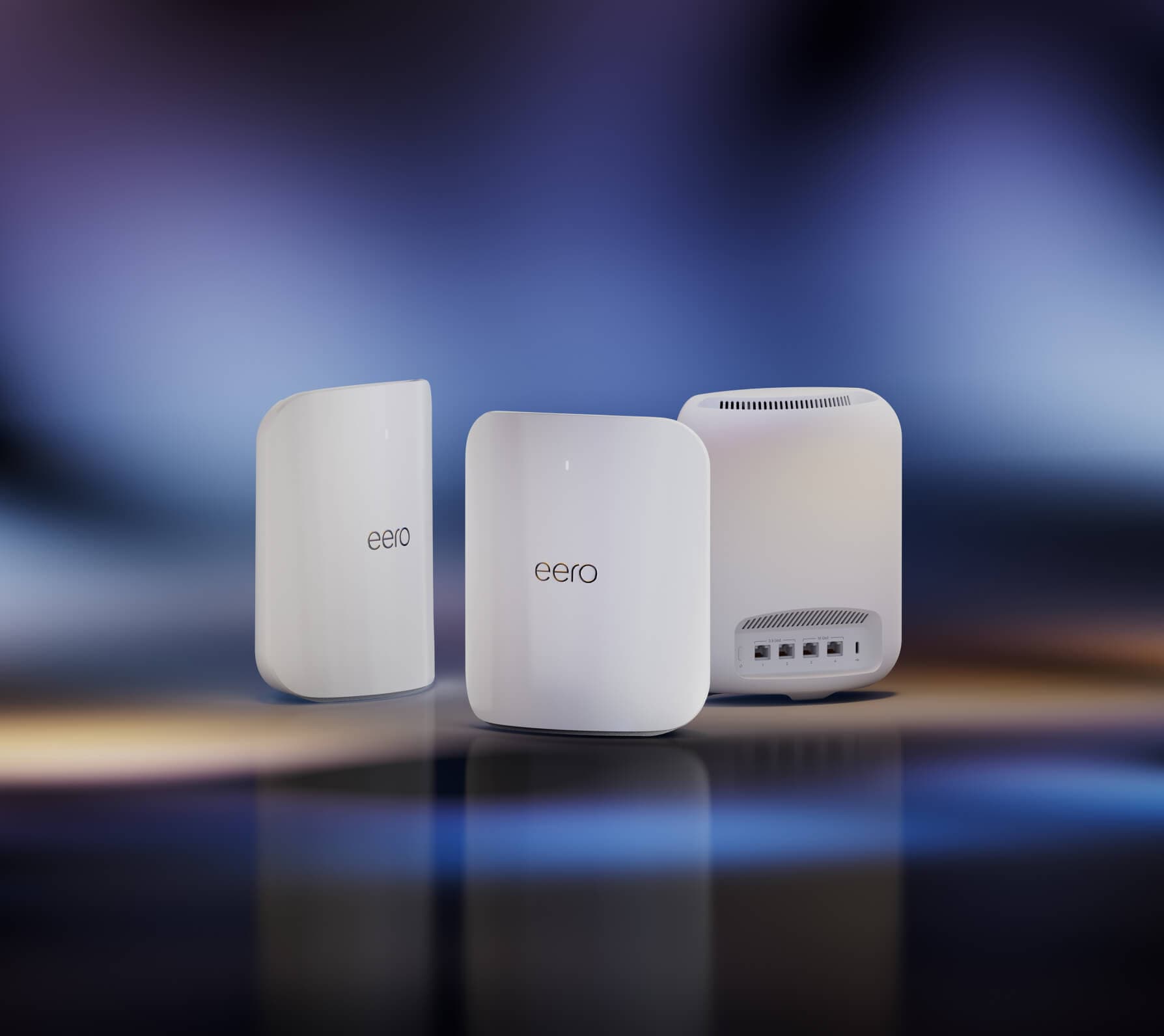
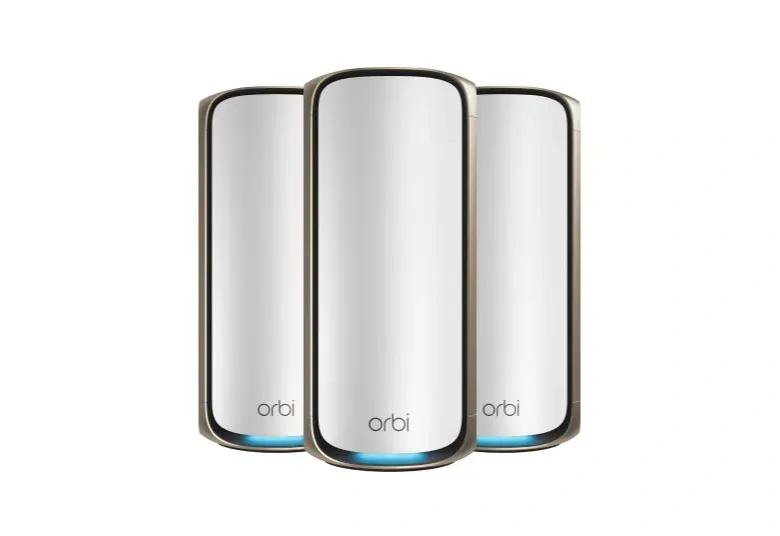

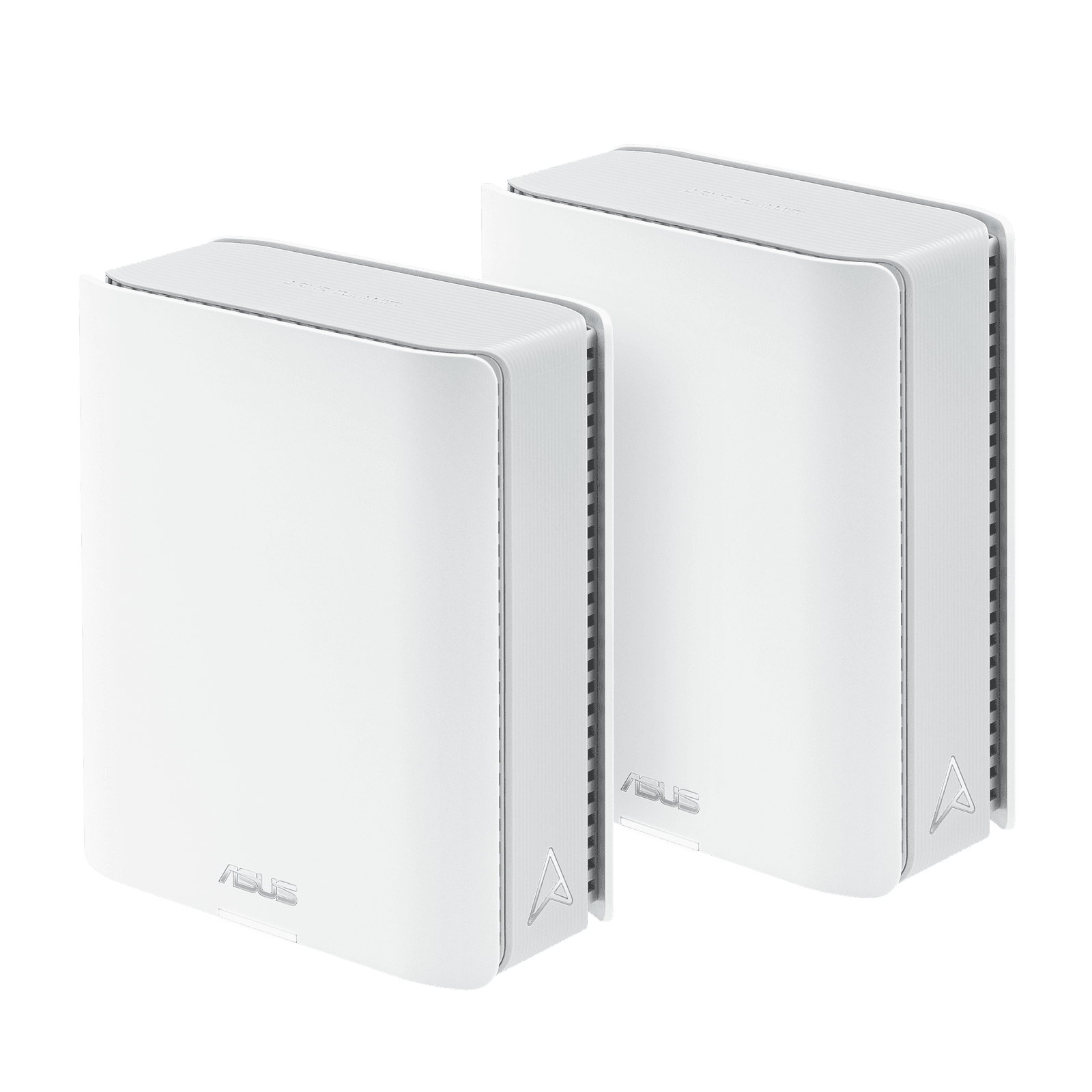
Do You Need Wi-Fi 7 Mesh, or Will 6E Do?
Gbps hangtags are the wrong first question. Wi-Fi 7 vs 6E vs 6 is the generation to buy. Then shop Gavler's live ranking.
Wi-Fi 8 Just Showed Up at IFA — Here's Why You Shouldn't Wait for It
TP-Link showed the first Wi-Fi 8 routers at IFA 2026. But the standard isn't final until 2028 and no client devices exist yet. Here's what to actually buy.
Wi-Fi 7 Buying Guide 2026: Who Actually Needs It, Who Doesn't, and How to Not Overpay
Is Wi-Fi 7 worth it? What MLO actually does, when 6 GHz matters, what to pay in 2026, and the buyers who should honestly skip the upgrade.
eero Pro 7 vs Netgear Orbi 970: The Wi-Fi 7 Mesh Decision That Actually Matters in 2026
The two flagship Wi-Fi 7 mesh systems most worth comparing. Updated July 2026 with current pricing, corrected firmware-support terms, and the Wi-Fi 8 timeline.
The Best Mesh WiFi Systems in 2026, Ranked by People Who Actually Cover Their Whole House
Eero Max 7, Orbi 970, Deco BE95. Gavler's networkers rank the Wi-Fi 7 mesh systems worth buying — for whole-home coverage at speed.