SSL 2+.
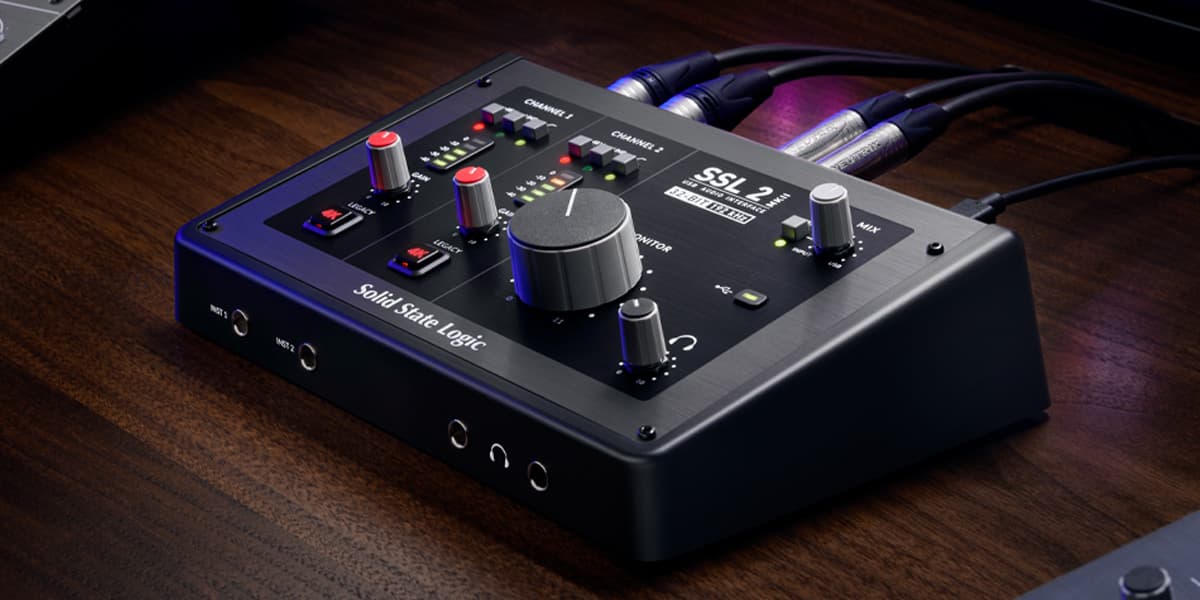
Solid State Logic's Legacy 4K button adds the signature SSL high-end sheen and low-end punch to any source.
The Verdict.
Gavler Meta-Score
“The SSL 2+ is the interface for producers who want analog character from the tracking stage, not just in the mix. The Legacy 4K button adds genuine SSL console DNA to your recordings — not a plugin approximation, but an actual analog circuit. At $299, it is the most affordable way to get the SSL sound into your signal chain.”
The Gavler Verdict
The Gavler Review.
SSL 2+ Review: Console-Grade Analog Character on Your Desktop
The SSL 2+ ranks number five on Gavler's Best Audio Interfaces list with a 9.1, and its pitch is unlike anything else at this price: an actual analog circuit modeled after a classic SSL 4000E console, built into a $299 desktop interface. Sound On Sound's testing found the preamps themselves "probably qualify as best in class," with an Equivalent Input Noise rating of -130.5 dBu. It's for producers who want SSL's signature character available at the tracking stage, not bolted on later in a plugin. The honest trade-off, flagged directly by Sound On Sound, is that the interface's signature feature is also its biggest risk if used carelessly.
What it is
The SSL 2+ distills the DNA of Solid State Logic's legendary consoles — the 4000, the 6000, the Duality, the boards that shaped decades of popular music — into a desktop interface. The headline feature is the Legacy 4K button, which Sound On Sound describes as engaging "a combination of saturation and high-frequency boost that is said to emulate the sound of classic SSL 4000-series consoles." Crucially, it's not a plugin or a DSP emulation running after the fact — it's an actual analog circuit sitting in the signal path, comparable in spirit to the Air mode found on many Focusrite interfaces but built around SSL's own console circuitry.
The two SuperAnalogue microphone preamps deliver 62dB of clean gain with a transparent character when the 4K button is disengaged, letting the source and microphone speak for themselves until you deliberately choose to add color. The SSL 2+ (versus the base SSL 2) adds two extra outputs, for a total of four — two main monitor outs and two headphone outs — making it more flexible for artist cue mixes and multi-speaker setups. Conversion runs at 24-bit/192kHz, and MIDI I/O is included for hardware synth and drum machine connectivity, a feature many competing interfaces in this price range omit. SSL bundles a generous software package including their Native channel strip, Vocalstrip 2, Drumstrip, and a selection of third-party instruments.
In use
Sound On Sound's measured performance data backs up the interface's reputation: "mic preamp Equivalent Input Noise is an excellent -130.5 dBu (A-weighted), and dynamic range is quoted as 110.5 dB on the inputs and 112 dB on the monitor outputs." Those are genuinely strong numbers for an interface at this price, and they explain why the review calls the preamps "best in class."
Where the review gets more interesting — and more useful for a buying decision — is its treatment of the 4K button. Sound On Sound is candid that it "is an appealing effect, but one that could easily cause problems at the mix if over-used or applied to the wrong source." That's genuine, specific criticism rather than a vague caveat: the 4K circuit adds real character, but character applied indiscriminately across every track in a session can accumulate into a mix that's harder to control at the mixing stage, not easier. The lesson for buyers is to treat the 4K button as a deliberate creative choice per source, not a default "make everything sound like SSL" switch.
The review's closing assessment is a broader statement about the value proposition of interfaces in this bracket: "both product ranges justify the price differential. They have better audio specifications, they look and feel like professional devices, they sound good." That's Sound On Sound comparing SSL's interface lineup against cheaper alternatives and concluding the premium is earned — a meaningful endorsement from a publication that doesn't hand those out casually.
Strengths
- Genuine analog character, not a plugin approximation. The Legacy 4K button is an actual circuit in the signal path modeled after SSL's own console designs — a fundamentally different proposition than a software emulation applied after the fact.
- Best-in-class preamp measurements. Sound On Sound's own testing backs the claim, with -130.5 dBu Equivalent Input Noise and dynamic range figures that outperform most interfaces at this price.
- MIDI I/O included. Uncommon at this tier and genuinely useful for anyone integrating hardware synths or drum machines.
- A generous, genuinely usable software bundle. SSL's Native channel strip and companion plugins add real value beyond the hardware.
The trade-offs — who should skip it
- The 4K button is a double-edged feature. Sound On Sound's own review flags the risk of overuse causing problems at the mix stage — buyers need the discipline to use it selectively rather than as a default enhancement.
- The preamps are transparent, not colored, until 4K is engaged. Gavler's scoring notes confirm this: "the preamps are transparent without 4K engaged." If you want inherent preamp warmth without flipping a switch, look elsewhere.
- Some users prefer the MOTU M2's monitoring quality. Gavler's own notes acknowledge this directly — the M2's ESS Sabre DAC delivers a different, more purely transparent monitoring path that some engineers prefer for critical listening.
How it compares
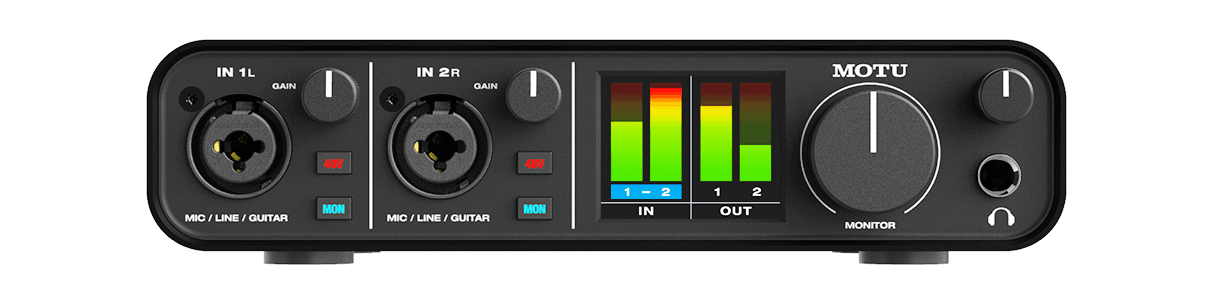
Within the same list, the SSL 2+ sits one rank below the MOTU M2, which trades SSL's analog character for reference-grade monitoring transparency via an ESS Sabre DAC — the better choice if your priority is hearing your mix with maximum fidelity rather than adding character while tracking. One rank above the SSL 2+, the RME Babyface Pro FS targets a different problem entirely: professional-grade reliability and the most powerful routing software available, at nearly triple the price. For producers specifically chasing the SSL sound at the source, the 2+ remains the only interface under $500 that delivers it with real analog circuitry.
The Gavler verdict
A 9.1, reflecting strong expert consensus around both the Legacy 4K character and the preamp measurements, with community scores acknowledging the transparent-until-engaged preamp design and a mild preference among some users for the MOTU M2's monitoring path. The SSL 2+ is the interface for producers who want console-grade analog color available at the tracking stage and are disciplined enough to use it selectively. At $299, it remains the most affordable legitimate way to get SSL's console DNA into a signal chain — just don't leave the 4K button on for everything.
Common Questions
Yes, if you want genuine analog console character at the tracking stage rather than added later in a plugin. Sound On Sound found the mic preamps 'probably qualify as best in class' with excellent Equivalent Input Noise figures. At $299 it ranks fifth on Gavler's Best Audio Interfaces list with a 9.1, and the honest caveat — flagged by Sound On Sound itself — is that the Legacy 4K button 'could easily cause problems at the mix if over-used or applied to the wrong source.'
It's an analog circuit — not a plugin or DSP emulation — modeled after the high-frequency enhancement and low-frequency thickening of the classic SSL 4000E console. Sound On Sound describes it as engaging 'a combination of saturation and high-frequency boost,' comparable in concept to the Air mode found on many Focusrite interfaces, adding a musical sheen and punch to vocals, drums, and guitars when engaged during tracking.
Buy the MOTU M2 if you want the most transparent possible monitoring path via its ESS Sabre DAC and don't need analog color. Buy the SSL 2+ if you want the option to add genuine SSL console character to your recordings via the Legacy 4K button, plus MIDI I/O that the M2 lacks. Gavler's scoring notes point out that some users prefer the M2's monitoring quality, so the choice depends on whether you value transparency or character more.
It can, if overused. Sound On Sound's review is explicit on this point: the effect 'is an appealing effect, but one that could easily cause problems at the mix if over-used or applied to the wrong source.' Used judiciously — engaged on sources that benefit from added sheen and punch rather than left on by default for everything — it's a genuine creative tool rather than a liability.
Where to Buy.
Prices checked regularly
90-day price history
Price History
Steady at $299 for the entire 90-day tracking window — no increases, no discounts, across 91 tracked days.
Tracked daily across retailers. Vote Want itabove and we’ll alert you the moment the price drops.
Some links are affiliate links — Gavler may earn a commission. This never affects rankings or scores. Learn more.
Precision Engineering
Legacy 4K Button
Analog circuit modeled after the SSL 4000E console adds signature high-end sheen and low-end punch to any source.
SuperAnalogue Preamps
Two microphone preamps with 62dB gain deliver clean, transparent capture — add SSL character with the 4K button when desired.
MIDI I/O
Built-in MIDI input and output for hardware synthesizer and drum machine connectivity — uncommon at this price.
Technical Specifications
The Scoreboard
Experts value the Legacy 4K character and SSL pedigree. Community notes the preamps are transparent without 4K engaged, and the software bundle is excellent. Some prefer the MOTU M2's monitoring quality.
Cast Your Vote
Do you think SSL 2+ deserves the #5 spot in Best Audio Interfaces?
Global Critique
“The SSL 2 and 2+ hit back with excellent mic preamps that probably qualify as best in class. Mic preamp Equivalent Input Noise is an excellent -130.5 dBu (A-weighted), and dynamic range is quoted as 110.5 dB on the inputs and 112 dB on the monitor outputs.”
“The 4K Legacy button engages a combination of saturation and high-frequency boost that is said to emulate the sound of classic SSL 4000-series consoles. Like the very similar Air switch found on many Focusrite interfaces, it's an appealing effect, but one that could easily cause problems at the mix if over-used or applied to the wrong source.”
“Both product ranges justify the price differential. They have better audio specifications, they look and feel like professional devices, they sound good.”
More from Best Audio Interfaces.
See how other top picks compare in this category.
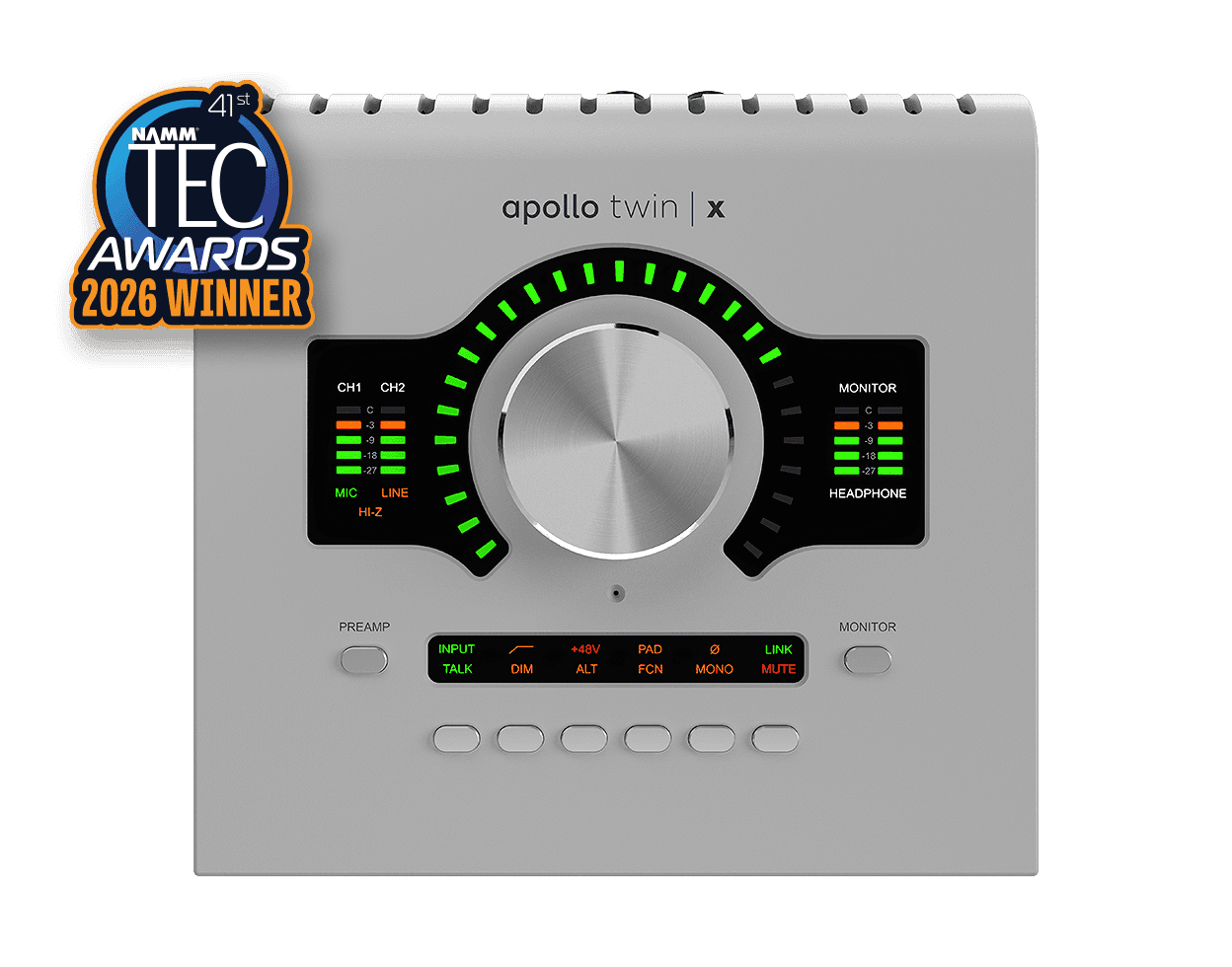
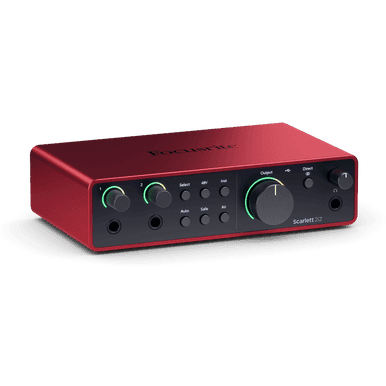
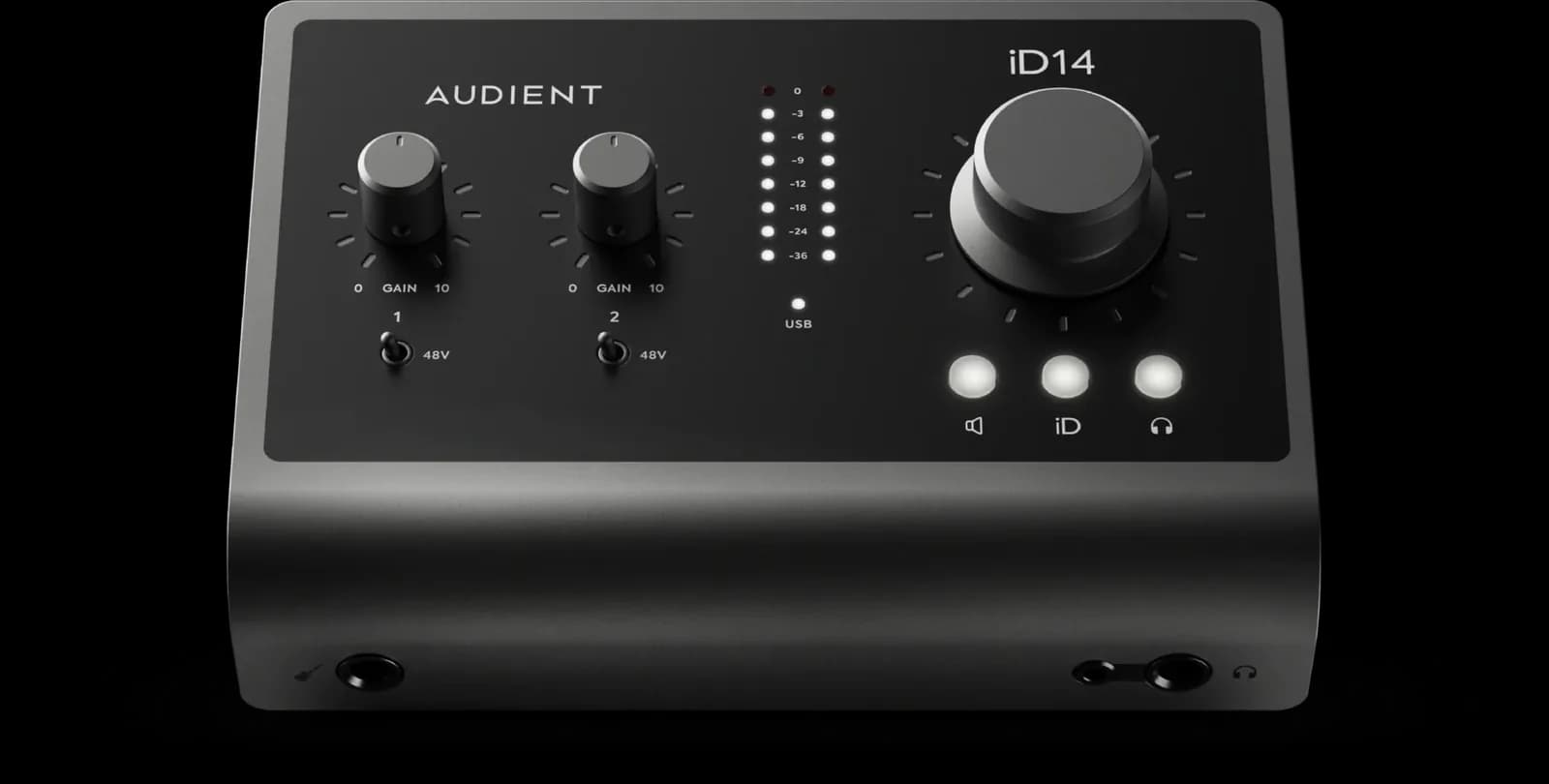
How to Choose an Audio Interface You'll Actually Use
I/O hangtags are the wrong first question. Start with 2-in USB vs more I/O, preamp class, and DSP vs clean. Then shop Gavler's live ranking.
The Best Audio Interfaces in 2026, Ranked by the Producers Who Track Through Them Every Day
Universal Audio, Focusrite, Audient, MOTU, SSL, RME. Gavler ranks the interfaces worth buying — from a $129 portable to the $1,099 standard.