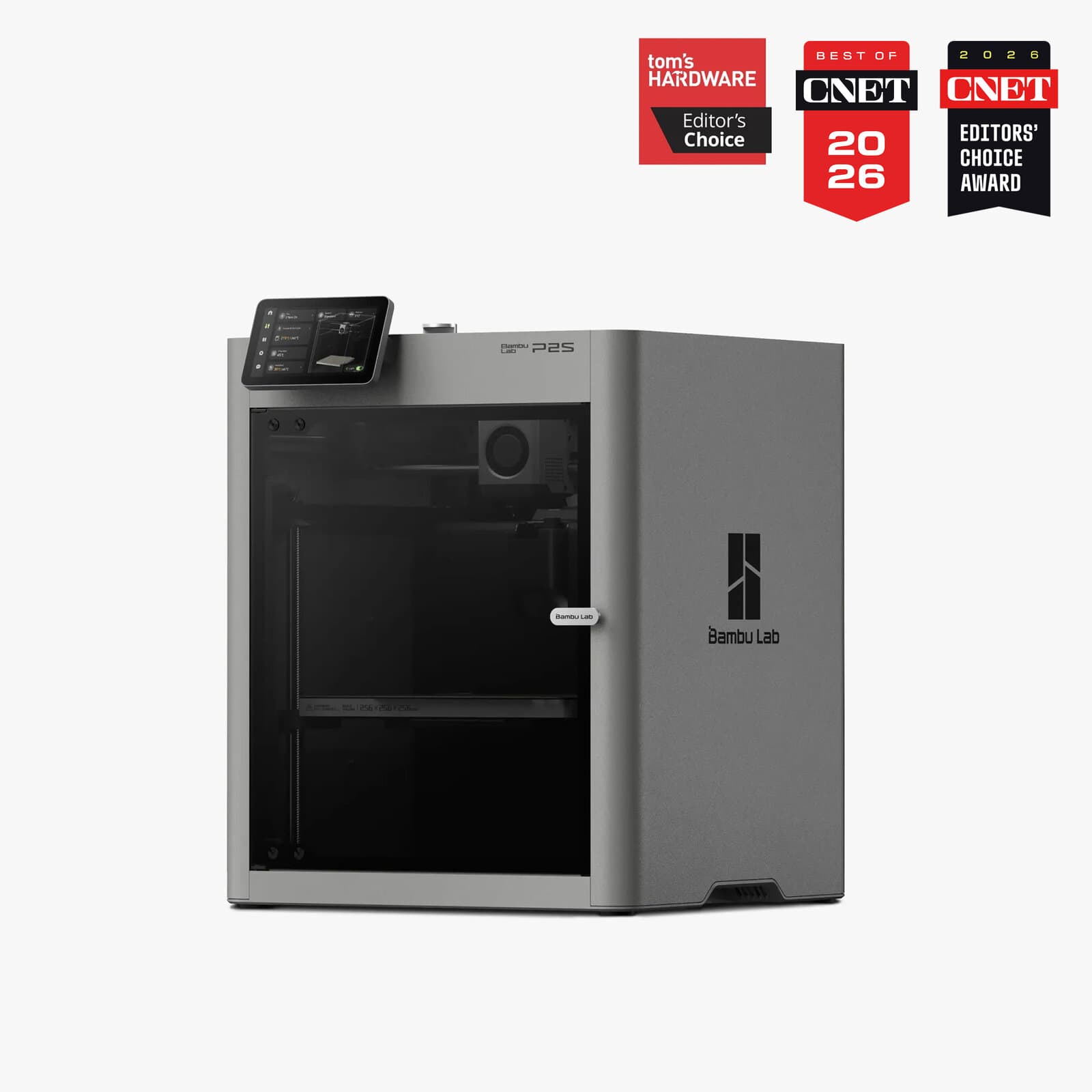
Bambu Lab P2S.
A meaningful upgrade with a servo extruder delivering 70% more extrusion force and a completely redesigned interface.
The Verdict.
Gavler Meta-Score
“The P2S does something rare: it makes a meaningful upgrade over the P1S without doubling the price. The servo extruder eliminates the underextrusion and grinding that plague stepper-based printers at high speeds, and the enclosed chamber with active airflow means you can print engineering materials without aftermarket modifications. At $599, it's $200 more than the P1S for roughly 30% better reliability with demanding filaments. That math works for anyone printing more than a few times a month.”
The Gavler Verdict
The Gavler Review.
Bambu Lab P2S Review: The Servo Extruder Upgrade That Actually Matters
The Bambu Lab P2S sits at number one on our Best 3D Printers list with a 9.7, and the reason isn't a flashy new feature — it's an extruder. The DynaSense servo extruder replaces the stepper motor that has quietly limited every Bambu printer before it, and that one change is the difference between a printer that occasionally grinds filament under load and one that doesn't. Buy it if you've outgrown an entry-level printer and want reliable output on demanding materials without babysitting the machine. Skip it only if you need a bigger build volume than 256mm cubed (look at the Prusa Core One or Bambu H2S) or you print PLA almost exclusively, in which case the cheaper P1S gets you 90 percent of the result.
What it actually is
The P2S is an enclosed CoreXY printer that sits squarely between Bambu's budget P1S ($399) and its industrial H2S ($1,249). At $599, it's positioned as the machine for hobbyists who've outgrown entry-level gear and professionals who need daily output without constant tuning.
The headline spec is the DynaSense servo extruder — a PMSM motor delivering 70 percent more extrusion force than the stepper-based system in the P1S. In practice, that force differential is what lets the P2S maintain consistent feeding at 500mm/s with carbon-fiber composites and flexible TPU, materials that will occasionally cause a weaker stepper extruder to stall or grind. The rest of the machine is a meaningful but secondary refresh: a 5-inch touchscreen, a 1080p AI monitoring camera, and an Active Airflow System that manages chamber temperature automatically — print PLA with the door closed, switch to ABS without worrying about warping, no manual intervention required.
In use
Setup is the first thing reviewers note, and it's genuinely fast. Hackster.io called it "the simplest setup of any printer I've tested," clocking unboxing to first print at about 15 minutes. That's not a small thing for a machine positioned as the step-up printer for people who've already fought with slower, fussier setups once.
Where the P2S earns its ranking is sustained, unattended reliability. How-To Geek's assessment lands on exactly the audience Bambu is targeting: "a fantastic printer that is perfect for hobbyists and professionals who want something more capable than the A1 — really good with no complaints." Tom's Hardware frames the upgrade in the right context, calling it "a genuine step forward, not just a spec bump" relative to the P1S it succeeds. The acceleration figure — 20,000 mm/s² — backs up PEA3D's read that it's "the new speed king," maintaining velocity through tight curves where lower-acceleration printers slow down or lose corner precision.
The AMS 2 Pro system, when attached, adds active filament drying and genuinely plug-and-play multi-material and multi-color printing — a step beyond the swap-and-hope multi-material workflows that plague cheaper multi-tool setups.
Where it shines
- The servo extruder is a real engineering upgrade, not a marketing bullet. 70 percent more extrusion force directly translates to fewer failed prints on demanding filaments — carbon-fiber nylon, TPU, high-temp engineering plastics — where a standard stepper extruder is the actual bottleneck, not the hotend or the frame.
- The Active Airflow System removes a manual step most competitors still require. Automatic chamber temperature management means you don't need aftermarket enclosure mods to move between PLA and ABS/ASA in the same week.
- Speed with dimensional accuracy. 500mm/s max speed and 20,000 mm/s² acceleration keep quality high at speed rather than trading one for the other, which is the trap a lot of "fast" printers fall into.
The trade-offs — who should skip it
This is the best all-around printer in its price tier, not the right printer for every use case:
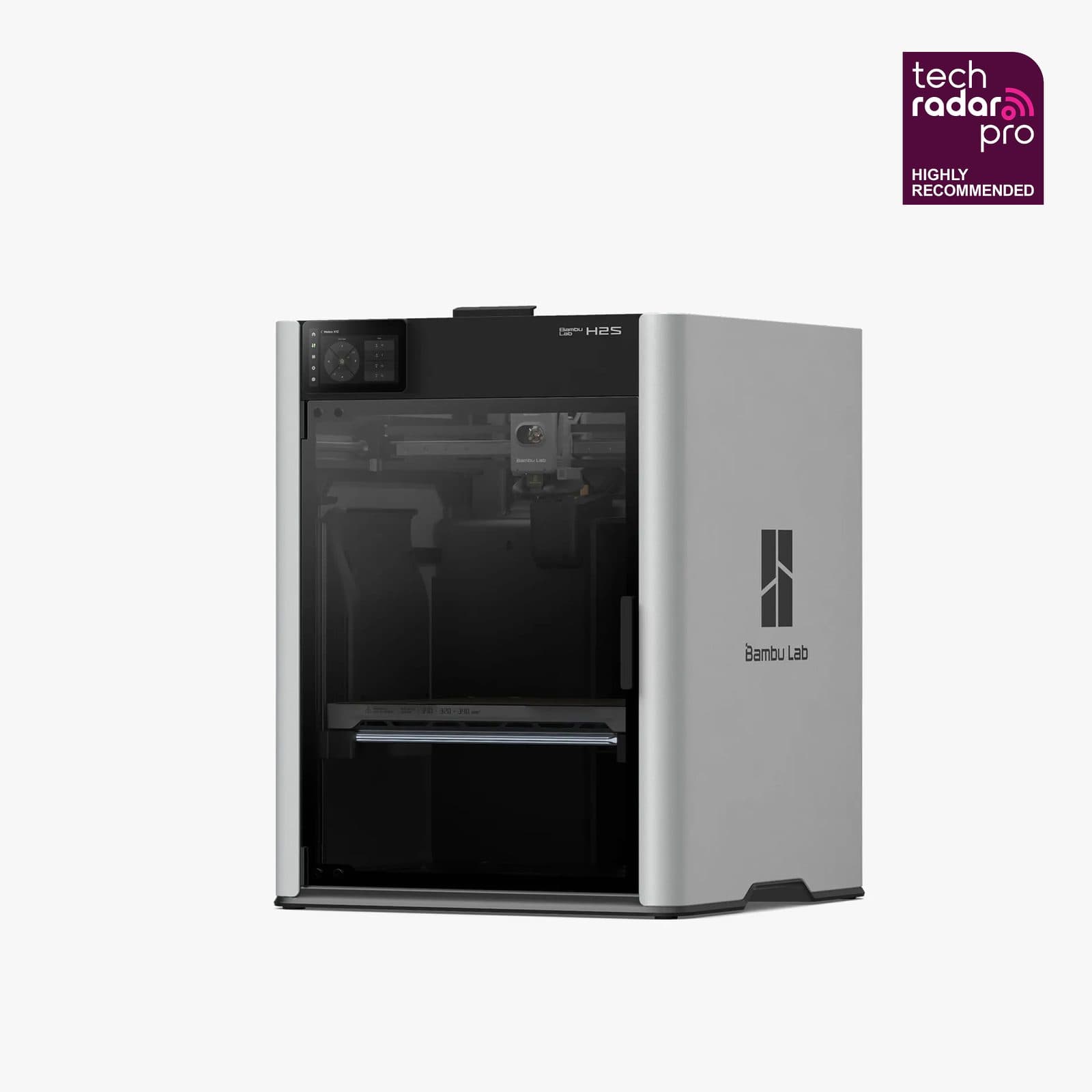
- You need a bigger build volume. The 256 x 256 x 256mm chamber hasn't grown since the P1S. If your projects are consistently larger than that, the Prusa Core One at 250 x 220 x 270mm is only marginally different, but Bambu's own H2S goes meaningfully bigger if that's the real constraint.
- You print almost exclusively PLA or PETG. The servo extruder's advantage shows up on demanding materials. If your print queue is basic filaments only, the community score note on this exact product flags that some hobbyists don't feel the $200 premium over the P1S is justified for PLA-only work — and they have a point.
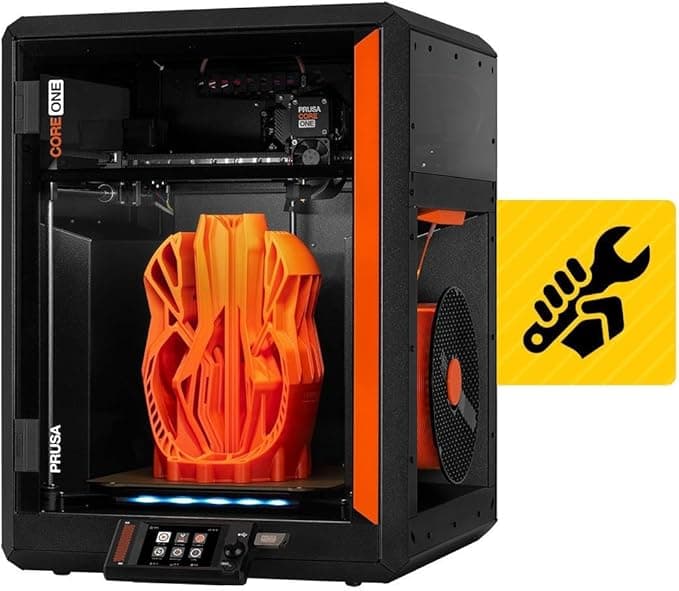
- You want fully open-source firmware and a company-agnostic repair philosophy. Bambu's ecosystem is polished but closed. If that matters more to you than raw speed and price, the Core One is the honest alternative.
How it compares
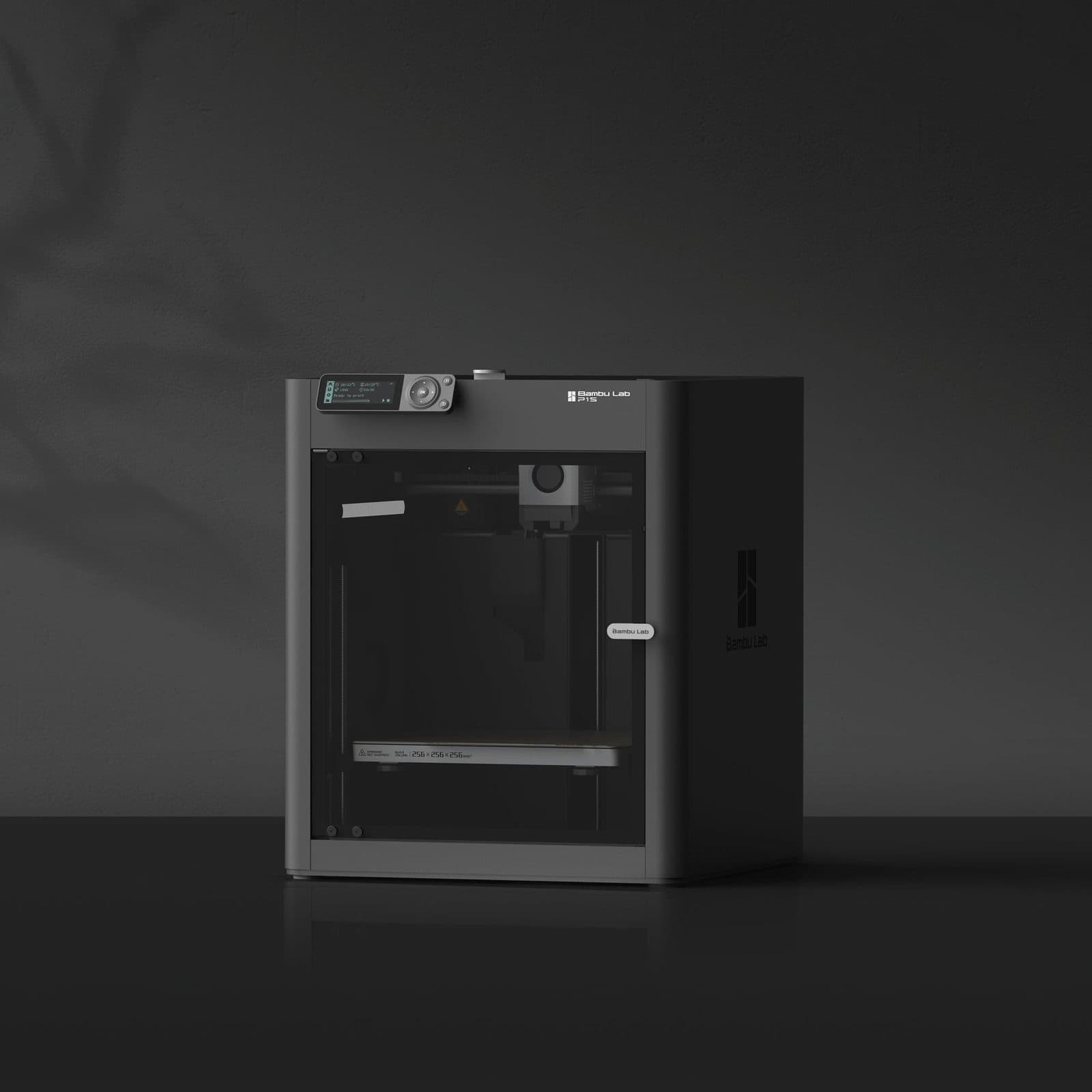
Within Bambu's own lineup, the P2S sits above the Bambu Lab P1S — the $399 entry point that delivers roughly 90 percent of the P2S's print quality for PLA and PETG at 60 percent of the price, minus the servo extruder, touchscreen, and AI camera. Stepping outside Bambu, the Prusa Core One at rank two is the direct philosophical alternative: an all-steel exoskeleton frame, active chamber control up to 55°C, and fully open-source firmware for roughly double the price. The P2S wins on speed and value; the Core One wins on repairability and Prusa's long-term support track record.
The Gavler verdict
A 9.7, driven by an expert consensus of 97 and a community rating of 95 — one of the tightest expert-to-community gaps on the list, with the small remaining daylight coming almost entirely from buyers who feel the P1S is the smarter buy for PLA-only printing. That's a fair critique, and it's also why the P2S's real audience is specific: hobbyists and professionals who print often enough, and with demanding-enough materials, that a stepper extruder has actually failed them before. For that buyer, the P2S is close to the ideal machine at this price. For pure PLA hobbyists on a budget, save the $200 and buy the P1S instead.
Common Questions
For hobbyists printing more than a few times a month, yes. It ranks first on Gavler's Best 3D Printers list with a 9.7, and the case is straightforward: the DynaSense servo extruder delivers 70 percent more extrusion force than the stepper-based P1S, which eliminates the grinding and underextrusion that shows up once you print carbon-fiber composites or flexible TPU at speed. The caveat is that the 256mm cubed build volume hasn't grown, so if you need bigger parts, look at the Prusa Core One or the Bambu H2S instead.
Buy the P1S at 399 dollars if you print PLA and PETG almost exclusively — it delivers roughly 90 percent of the P2S's quality for 60 percent of the price. Buy the P2S at 599 dollars if you regularly push demanding materials like carbon-fiber-filled nylon or TPU, where the servo extruder's extra force stops the stepper motor from grinding filament under load. The touchscreen and AI camera are nice, but the extruder is the real reason to pay the 200-dollar premium.
The P2S wins on speed and price — 599 dollars versus 1,199 dollars assembled, with a materially faster print speed ceiling. The Core One wins on repairability and openness: an all-steel exoskeleton frame, fully open-source firmware, and Prusa's field-service-first design philosophy. If you want the fastest, most capable printer for the money, buy the P2S. If you want a printer built to be maintained and supported for a decade regardless of what happens to any one company, the Core One's premium buys real peace of mind.
Not to use the printer, but it unlocks the P2S's best feature set. The AMS 2 Pro adds active filament drying and plug-and-play multi-color, multi-material printing. Without it, the P2S is still a fast, reliable single-material CoreXY printer — the AMS is an add-on, not a requirement, and most single-color hobbyists can skip it at launch and add it later.
Where to Buy.
Prices checked regularly
90-day price history
Price History
Steady at $599 for the entire 90-day tracking window — no increases, no discounts, across 91 tracked days.
Tracked daily across retailers. Vote Want itabove and we’ll alert you the moment the price drops.
Some links are affiliate links — Gavler may earn a commission. This never affects rankings or scores. Learn more.
Precision Engineering
DynaSense Servo Extruder
PMSM servo motor delivers 70% more extrusion force than stepper-based systems — eliminates grinding and underextrusion at 500mm/s with CF and TPU filaments.
Active Airflow System
Enclosed chamber with automatic temperature management lets you print PLA with the door closed and switch to ABS/ASA without modifications.
AMS 2 Pro + AI Camera
Multi-material system with active filament drying, 1080p AI-powered monitoring camera, and 5-inch touchscreen for untethered operation.
Technical Specifications
The Scoreboard
Experts universally praise the servo extruder and enclosed chamber as genuine upgrades over the P1S. Community scores slightly lower due to the unchanged build volume and $200 premium over the P1S, which some hobbyists feel isn't justified for PLA-only printing.
Cast Your Vote
Do you think Bambu Lab P2S deserves the #1 spot in Best 3D Printers?
Global Critique
“The P2S is a fantastic printer that is perfect for hobbyists and professionals who want something more capable than the A1 — really good with no complaints.”
“Refreshing a best seller. The servo extruder and enclosed chamber make this a genuine step forward, not just a spec bump.”
“From taking it out of the box to printing was 15 minutes. The P2S has to have been the simplest setup of any printer I've tested.”
“The new speed king — maintains velocity even in the tightest curves thanks to 20,000 mm/s² acceleration.”
More from Best 3D Printers.
See how other top picks compare in this category.
Filament Appliance, Resin Vat, or a $199 Kit?
A 500 mm/s hangtag is the wrong first question. Enclosed FDM vs heated-chamber vs resin vat vs a $199 kit comes first. Then shop Gavler's live ranking.
The Best 3D Printers in 2026, Ranked by People Who Actually Print
Bambu Lab vs Prusa vs Creality. Gavler's makers have voted on the printers worth buying in 2026 — ranked by real-world reliability, not spec sheets.