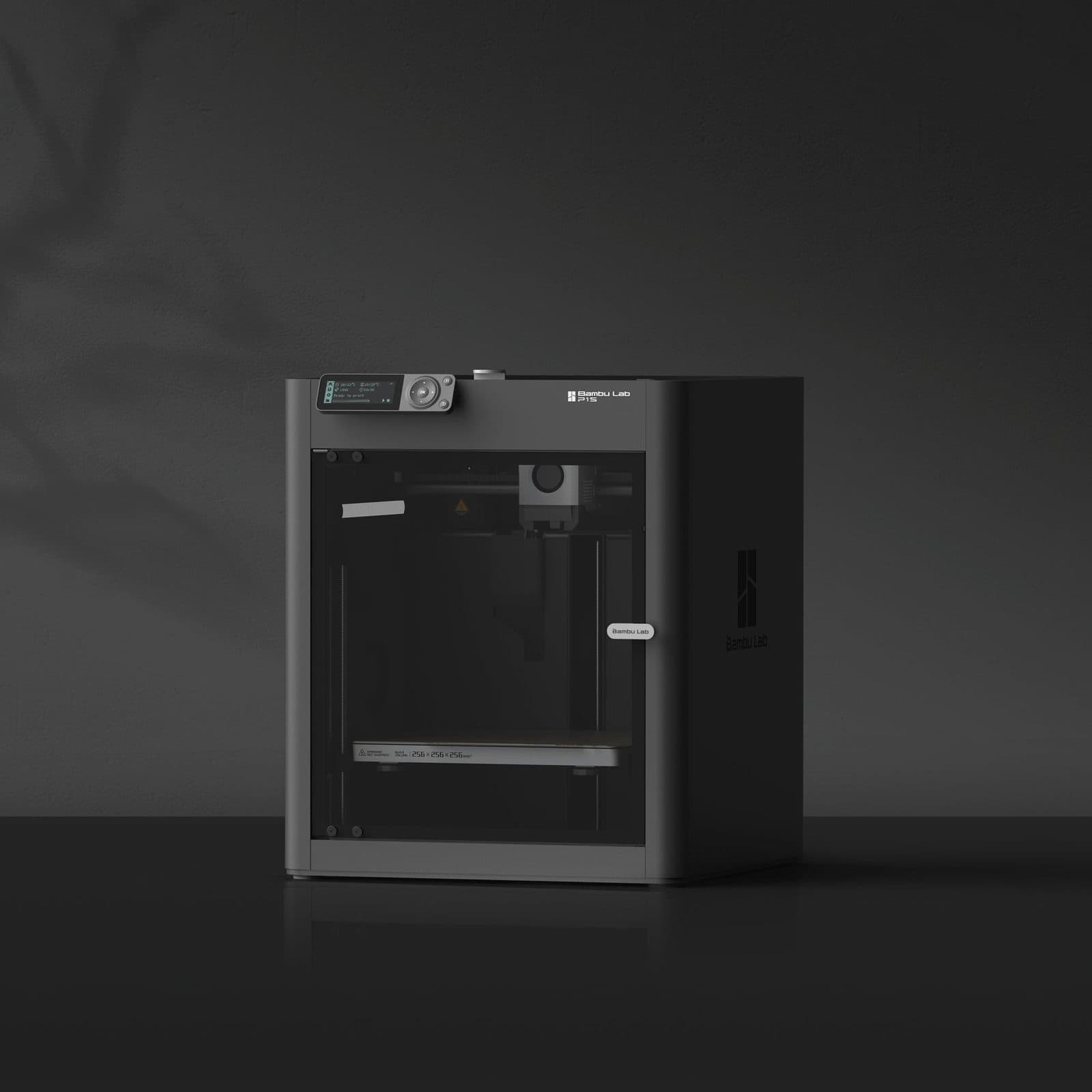
Bambu Lab P1S.
Speed and reliability make it the bestseller for a reason — the printer most hobbyists should actually buy.
The Verdict.
Gavler Meta-Score
“The P1S is the printer we recommend most often, and it's not close. At $399, it prints PLA and PETG with quality indistinguishable from printers costing twice as much. The enclosed chamber, CoreXY speed, and AMS multi-material support make it genuinely capable — not just 'good for the price.' The stepper extruder struggles with carbon fiber and flexible filaments at high speed, which is exactly why the P2S exists. But for the materials most hobbyists actually print with, the P1S is the smartest money in 3D printing.”
The Gavler Verdict
The Gavler Review.
Bambu Lab P1S Review: The 3D Printer We Recommend to Almost Everyone
The Bambu Lab P1S sits at number three on our Best 3D Printers list with a 9.5, and it holds that spot as the most recommended entry-level enclosed printer in the hobby right now. At $399, it delivers roughly 90% of the print quality of its own more expensive sibling, the P2S, for about 60% of the price — a ratio that makes it the default answer whenever someone asks what 3D printer to actually buy. Buy it if you print mostly PLA, PETG, and standard filaments. Skip it only if your workflow genuinely demands carbon-fiber composites or high-speed flexible printing, where the servo-extruder P2S earns its premium.
What it actually is
The P1S is a fully enclosed CoreXY printer that undercuts its own category on price without meaningfully undercutting it on capability. The enclosed chamber is the headline feature: it handles PLA, PETG, TPU, PVA, ABS, and ASA without the warping that plagues open-frame printers at this price point, and it does so without any aftermarket enclosure kit or workaround.
Setup is engineered to remove friction entirely. Automatic bed leveling and Bambu's cloud-based slicing get a first-time buyer from unboxing to first print in under 15 minutes, with no manual calibration required. AMS compatibility — Bambu's Automatic Material System — means multi-color and multi-material printing is genuinely plug-and-play rather than the fussy, failure-prone process it is on many competing platforms.
What separates the P1S from its pricier sibling, the P2S, is the extruder: a standard stepper motor rather than the P2S's DynaSense servo extruder, which delivers 70% more extrusion force. For PLA and PETG — the two materials that cover roughly 90% of hobbyist printing — that difference is essentially invisible. It shows up on demanding filaments like carbon fiber composites and flexible TPU at high speed, where the stepper motor can grind or underextrude in ways the servo motor won't.
In use
The reviews consistently land on the same conclusion: this is an entry-level printer only in price, not in capability. AppleInsider's assessment is direct about the setup experience: "The P1S is about as easy as this hobby can get — simple setup, one-button printing, auto-leveling, and a four-spool AMS." Tom's Hardware went further on quality, calling it "a new standard for 3D printing," noting that "print quality is on par with the X1 Carbon and outperforms most competitors in the same price range" — a genuinely notable claim given the X1 Carbon costs significantly more.
The value framing shows up across multiple outlets, but 3D Tech Valley's summary is the most precise: "The P1S delivers roughly 90% of the P2S's performance at about 60% of the cost. That's the sweet spot." That's not marketing language pulled from Bambu's own materials — it's an independent assessment of exactly the trade-off a buyer needs to understand before choosing between the two machines.
Multi-material printing is where the AMS system does its real work. AppleInsider again: "Easy multi-color printing with AMS — Bambu Lab is at it again, producing a near-perfect printer." For a category where multi-color printing has historically meant manual filament swaps and failed prints, plug-and-play AMS compatibility is a meaningful step forward for hobbyists who want that capability without the fuss.
Where it shines
- The price-to-quality ratio is close to unmatched at this tier. A fully enclosed CoreXY printer with print quality that Tom's Hardware compares favorably to the X1 Carbon, at $399, is a genuinely rare combination.
- Setup friction is essentially eliminated. Under 15 minutes from box to first print, with automatic bed leveling and zero manual calibration, removes the single biggest barrier that keeps newcomers from finishing their first successful print.
- AMS multi-material support turns multi-color printing from a weekend project into a routine feature — a capability that used to require significantly more expensive hardware or a lot of manual patience.
The trade-offs — who should skip it
This is the smartest money in 3D printing for most people, not the right printer for every workflow:
- You print carbon-fiber composites or flexible filaments at high speed regularly. The stepper extruder can grind or underextrude on demanding materials where the Bambu Lab P2S's servo extruder — with 70% more extrusion force — stays consistent.
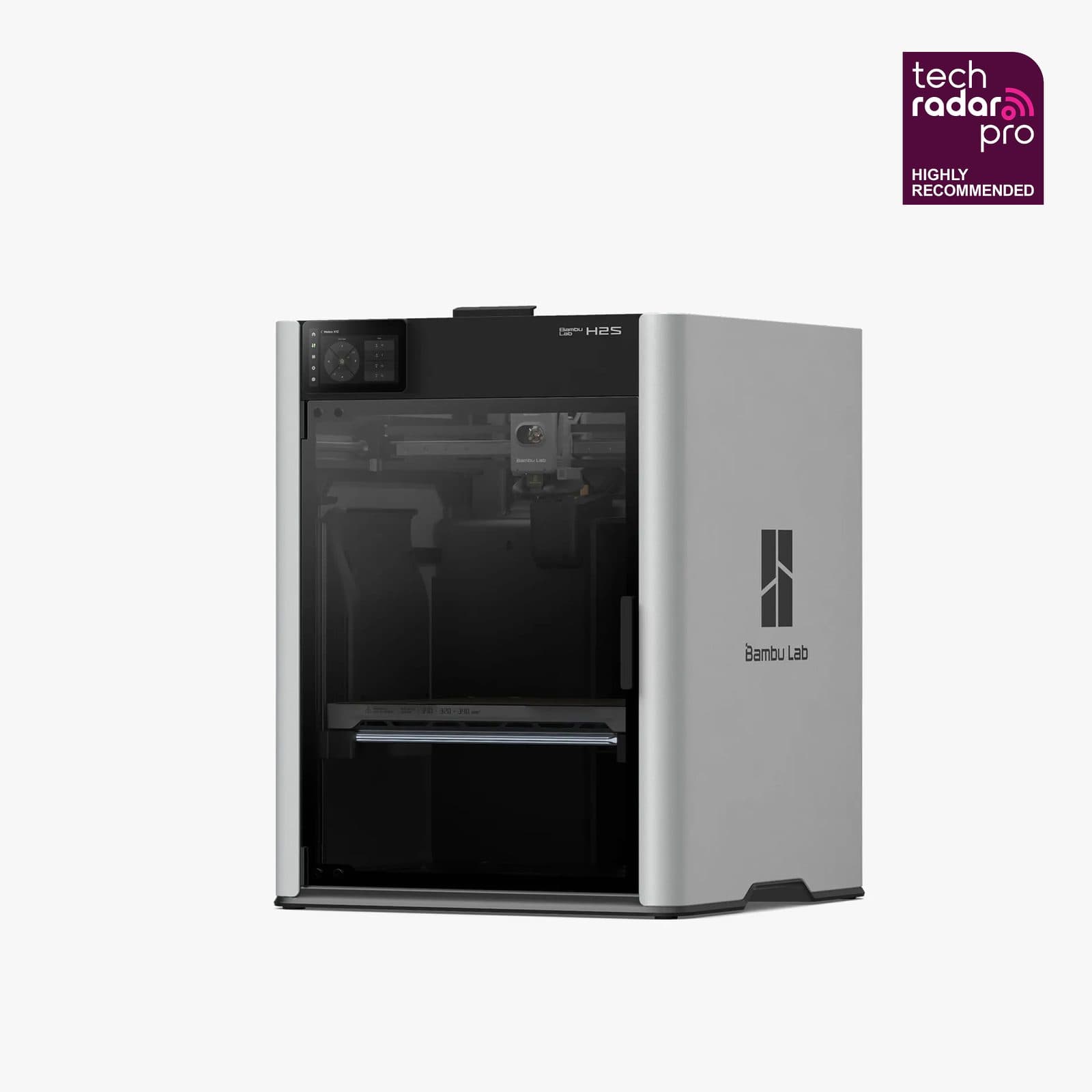
- You need engineering-grade materials like PA-CF or PET-CF. Those require sustained high chamber temperatures the P1S isn't built for; the Bambu Lab H2S, with its actively heated 65°C chamber, is the printer built specifically for that use case.
- You want a touchscreen or AI monitoring camera. The P1S relies on the companion app rather than a built-in display, and skips the AI camera the P2S includes — small quality-of-life omissions in exchange for the lower price.
How it compares
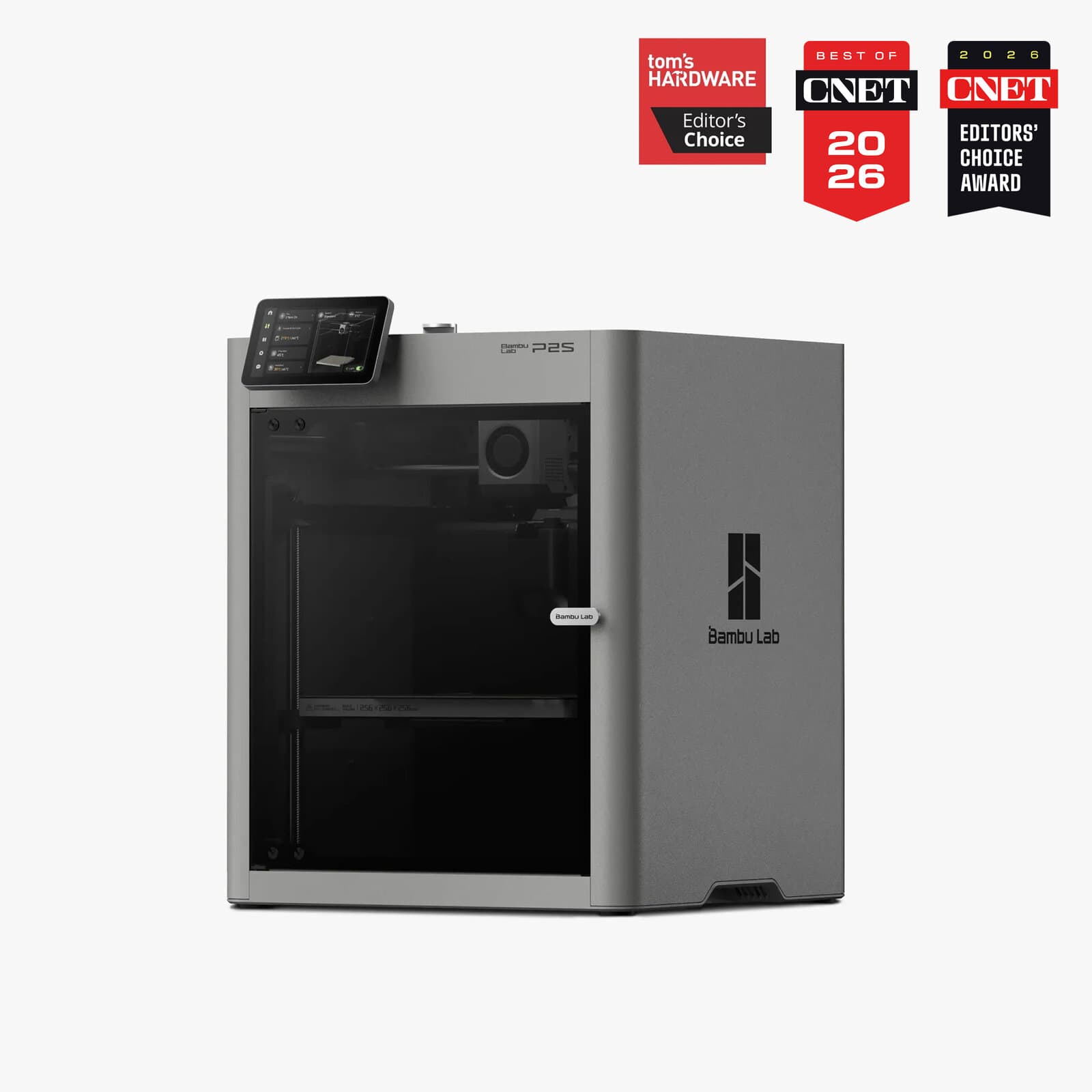
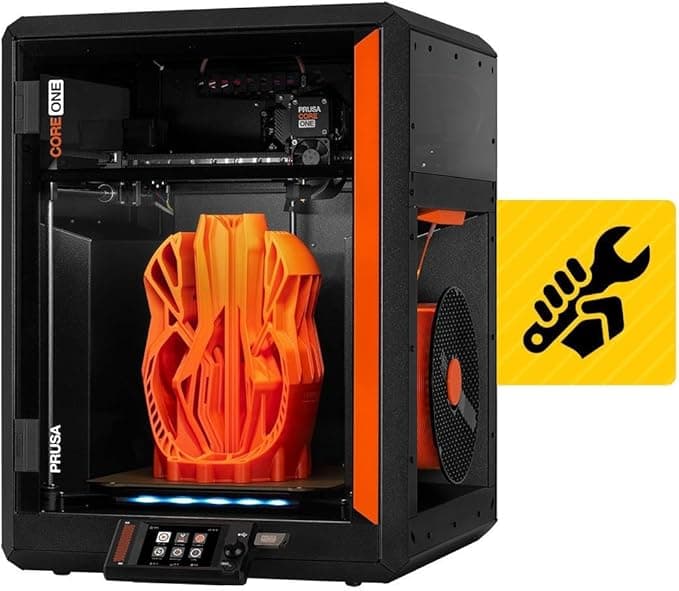
On its own list, the P1S sits directly below two step-up options that solve specific problems it doesn't. The Bambu Lab P2S at rank one adds the servo extruder, touchscreen, and AI camera for $599 — the right move if you print demanding materials often enough to justify the $200 premium. The Prusa Core One at rank two goes further still, at $1,199, trading Bambu's ecosystem for an all-steel exoskeleton frame, fully open-source firmware, and Prusa's long-running reputation for field repairability — the pick for makers who value that infrastructure over raw speed-per-dollar.
The P1S's case is that most buyers don't need either upgrade. For PLA and PETG — the materials that make up the overwhelming majority of hobbyist prints — it matches the quality of printers costing two to three times as much.
The Gavler verdict
A 9.5, with a 95 expert consensus and a 93 community rating that reflects genuinely broad agreement — this is consistently the most-recommended printer for new makers across major 3D printing forums, not just a strong review score. The one caveat every source repeats is the stepper extruder's ceiling with demanding filaments at high speed, which is precisely why the P2S exists as a step-up option. But for the materials most hobbyists actually print — PLA, PETG, even ABS and ASA in the enclosed chamber — the P1S is the smartest $399 you can spend in this hobby.
Common Questions
For almost anyone starting out or printing mostly PLA and PETG, yes. It ranks third on Gavler's Best 3D Printers list with a 9.5 and is the platform's most-recommended entry-level enclosed printer — at $399, it delivers print quality that's indistinguishable from machines costing twice as much for the materials most hobbyists actually use. The trade-off is a standard stepper extruder that can struggle with demanding filaments like carbon fiber composites at high speed.
Buy the P1S if you print mostly PLA, PETG, and standard filaments — you'll get roughly 90% of the P2S's quality at about 60% of the cost. Buy the P2S if you regularly print carbon-fiber composites or flexible TPU at high speed; its DynaSense servo extruder delivers 70% more extrusion force than the P1S's stepper motor, eliminating the grinding and underextrusion that can show up on demanding materials.
Yes — the fully enclosed CoreXY chamber is specifically what separates the P1S from open-frame printers at this price. It handles PLA, PETG, TPU, PVA, ABS, and ASA without the warping issues that plague printers without an enclosure, no aftermarket modifications required.
Under 15 minutes from unboxing to first print, according to reviewers including AppleInsider. Automatic bed leveling and Bambu's cloud-based slicing handle the technical complexity that used to require manual calibration on comparable printers.
Where to Buy.
Prices checked regularly
90-day price history
Price History
Steady at $399 for the entire 90-day tracking window — no increases, no discounts, across 91 tracked days.
Tracked daily across retailers. Vote Want itabove and we’ll alert you the moment the price drops.
Some links are affiliate links — Gavler may earn a commission. This never affects rankings or scores. Learn more.
Precision Engineering
Enclosed CoreXY Design
Fully enclosed chamber with CoreXY kinematics handles ABS and ASA without warping — no aftermarket enclosure needed.
AMS Multi-Material Support
Compatible with Bambu Lab's Automatic Material System for multi-color and multi-material prints with up to 16 filaments — plug-and-play, not a weekend project.
15-Minute Setup
Automatic bed leveling and cloud-based slicing mean you go from unboxing to first print in under 15 minutes with zero manual calibration.
Technical Specifications
The Scoreboard
Community consensus is exceptionally strong — the most recommended printer for new makers in every major 3D printing forum. Experts note that the stepper extruder limits high-speed performance with demanding filaments, but for standard materials the quality matches the P2S.
Cast Your Vote
Do you think Bambu Lab P1S deserves the #3 spot in Best 3D Printers?
Global Critique
“The P1S is about as easy as this hobby can get — simple setup, one-button printing, auto-leveling, and a four-spool AMS.”
“A new standard for 3D printing. Print quality is on par with the X1 Carbon and outperforms most competitors in the same price range.”
“The P1S delivers roughly 90% of the P2S's performance at about 60% of the cost. That's the sweet spot.”
“Easy multi-color printing with AMS — Bambu Lab is at it again, producing a near-perfect printer.”
More from Best 3D Printers.
See how other top picks compare in this category.
Filament Appliance, Resin Vat, or a $199 Kit?
A 500 mm/s hangtag is the wrong first question. Enclosed FDM vs heated-chamber vs resin vat vs a $199 kit comes first. Then shop Gavler's live ranking.
The Best 3D Printers in 2026, Ranked by People Who Actually Print
Bambu Lab vs Prusa vs Creality. Gavler's makers have voted on the printers worth buying in 2026 — ranked by real-world reliability, not spec sheets.