reMarkable Paper Pro Review - 6 Months Later
6 Months Later
An 11.8-inch color display with premium pen input designed for writing, sketching, and thinking — with reading as a strong secondary function. Transformative for note-takers and visual thinkers.
Gavler Meta-Score
“Buy the Paper Pro if you split your day between writing and thinking and want the closest thing to pen-on-paper with cloud backup — the near-instant pen response and ultra-thin build are genuinely best-in-class. Go in clear-eyed, though: the color is muted, the light is dim, it is a mediocre book reader, and at $579-plus it is a luxury. If you mostly read, the Kindle Scribe or a Paperwhite serves you better for far less.”
The Gavler Verdict
reMarkable Paper Pro Review: A Writing Tablet That Barely Reads
The reMarkable Paper Pro is not competing with the Kindle. It's a writing tablet first and an e-reader a distant second, and the moment you understand that, the rest of the device makes sense. Ranked fifth on Gavler's Best E-Readers list with a 9.3, it earns that score almost entirely on how it feels to write with a pen in hand — Engadget scored it 90 out of 100 and called it a best-in-class distraction-free writing experience. The catch is real: at $579 with the base Marker, plus $229 more for the keyboard folio, this is a luxury purchase for people who think on paper, and it's a genuinely poor book reader. If you mostly read, buy something else.
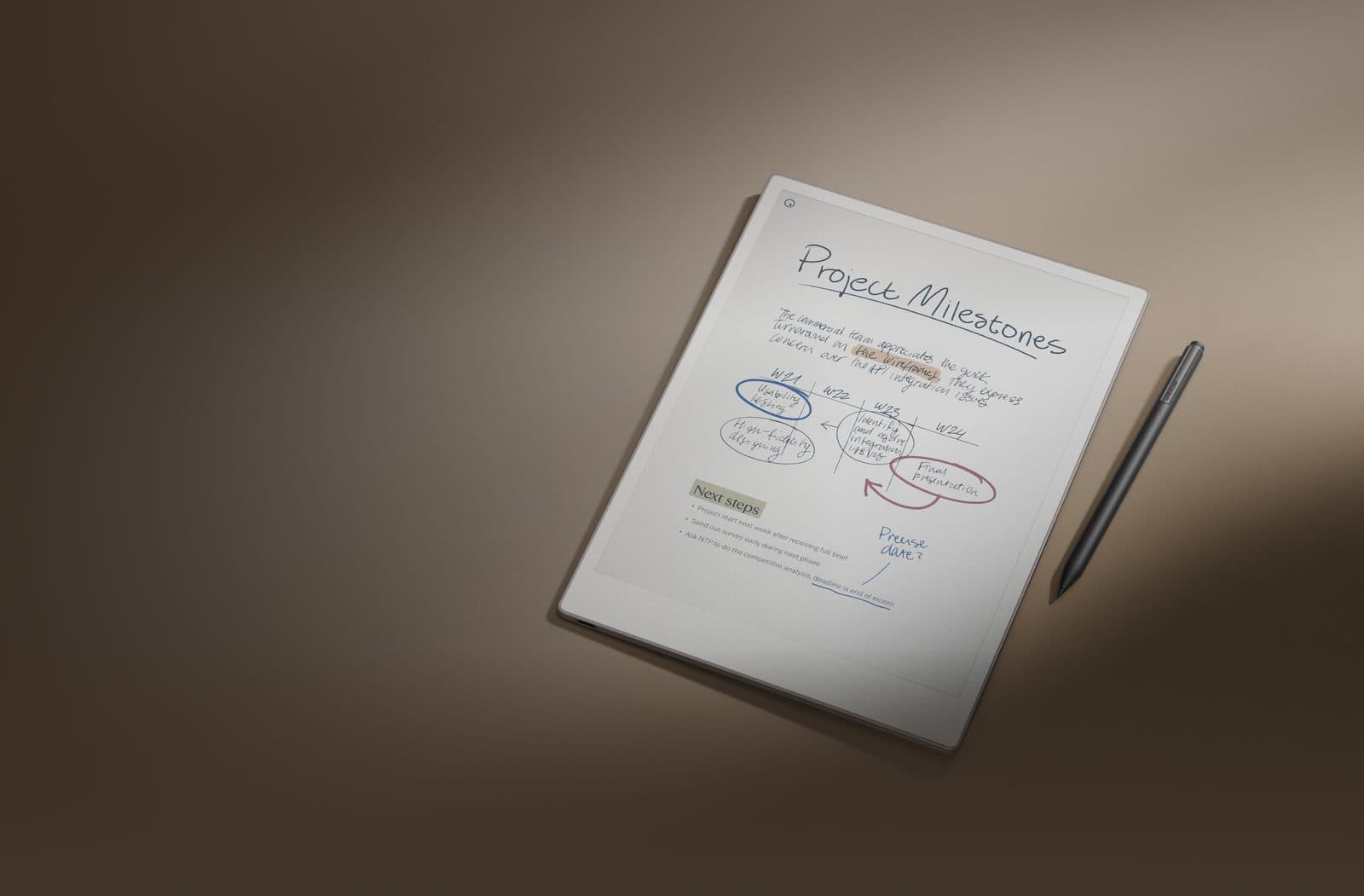
The headline upgrade over the original reMarkable 2 is an 11.8-inch color E Ink display — a Gallery 3 panel reMarkable brands Canvas Color — paired with the line's first-ever backlight, so you can finally write in a dark room without a lamp. That combination targets a specific person: someone who takes notes, sketches, or annotates documents constantly, and who has been waiting for reMarkable's signature paper-like feel to come with color and a light.
The writing itself is the entire pitch, and the numbers back it up. The active Marker's input lag has been cut to roughly 12ms, down from 22ms on the reMarkable 2 — a technical detail that translates directly into a feeling of the pen keeping up with your hand rather than trailing behind it. Under the hood, a 1.8GHz quad-core processor and 2GB of RAM drive a 64GB device that's just 5.1mm thick and weighs 525g, thin enough that it disappears in a bag the way a legal pad would.
Engadget's verdict lands on exactly what the device is built to do well: "reMarkable adds a color screen to its e-paper tablet, creating a best-in-class distraction-free writing experience." That's the core case for the Paper Pro — not that it does everything, but that the one thing it does, it does close to as well as anything on the market. The same review is honest about the color layer's limits: "the end result is a display with visible, if muted, color reproduction with some limitations you'll need to work around." Color here is a genuine improvement over the black-and-white original, not a leap to LCD-quality vibrancy.
TechRadar's testing reinforces the trade-off at the heart of the device's minimalist software philosophy: "it's aggressively simple, distraction-free, and frustrating if you were hoping for something more robust." That simplicity is deliberate — no browser, no app store, not even a clock — and it's exactly what makes the writing experience feel calm rather than cluttered. But it cuts both ways, and the same review is blunt about where that philosophy stops serving the user: "this tablet is not for reading, and it's not for apps, and if you want those things in an ePaper tablet, it's not for you, either."
The pen feel is the product. A 12ms input lag is a meaningful, measurable improvement over the already-praised reMarkable 2, and it shows up immediately in how natural continuous handwriting or sketching feels compared to competitors with more perceptible lag. The build quality matches the ambition — an ultra-thin 5.1mm profile that Engadget and TechRadar both treated as a genuine engineering achievement, not just a marketing number. And the two-week battery life, even with the new backlight running, means the device disappears into a daily workflow instead of adding another thing to remember to charge.
Two limits keep this from being an all-rounder, and both are worth naming plainly before you spend $579. First, it is a poor pure reader. It opens PDFs and EPUBs, but as TechRadar found, the reading software wasn't built with the same care as the writing tools — this is not a device you buy to get through a stack of novels. Second, the software's spartan philosophy that makes writing feel calm also makes editing frustrating: there's no robust way to rearrange or heavily edit typed text, and the total absence of apps means anything outside writing, sketching, and light PDF annotation isn't really on the table.
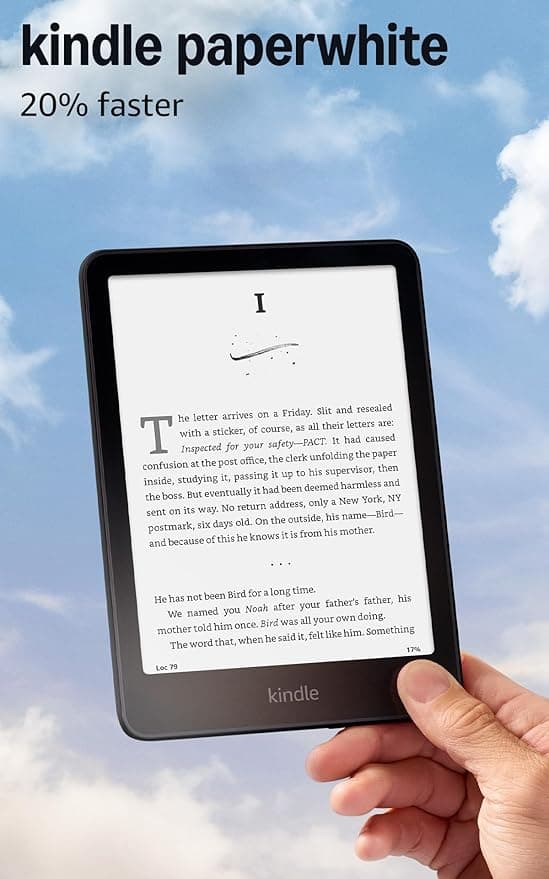
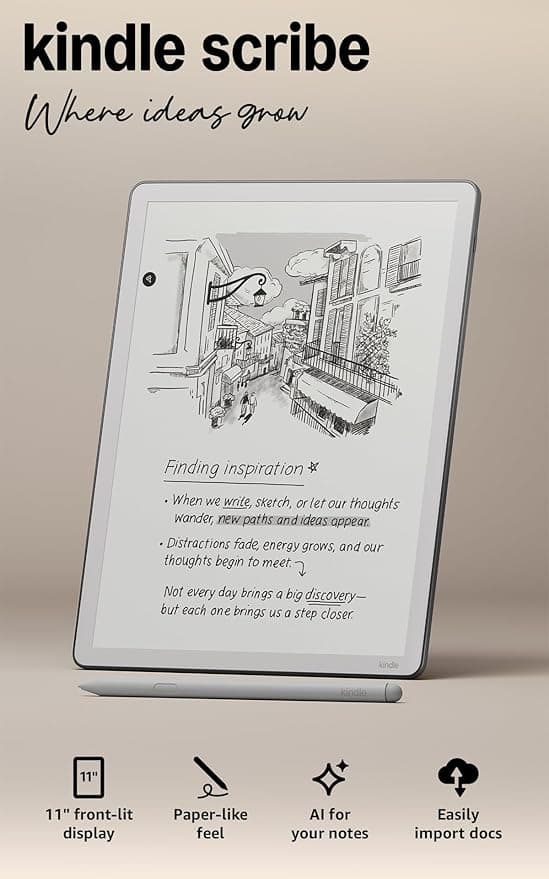
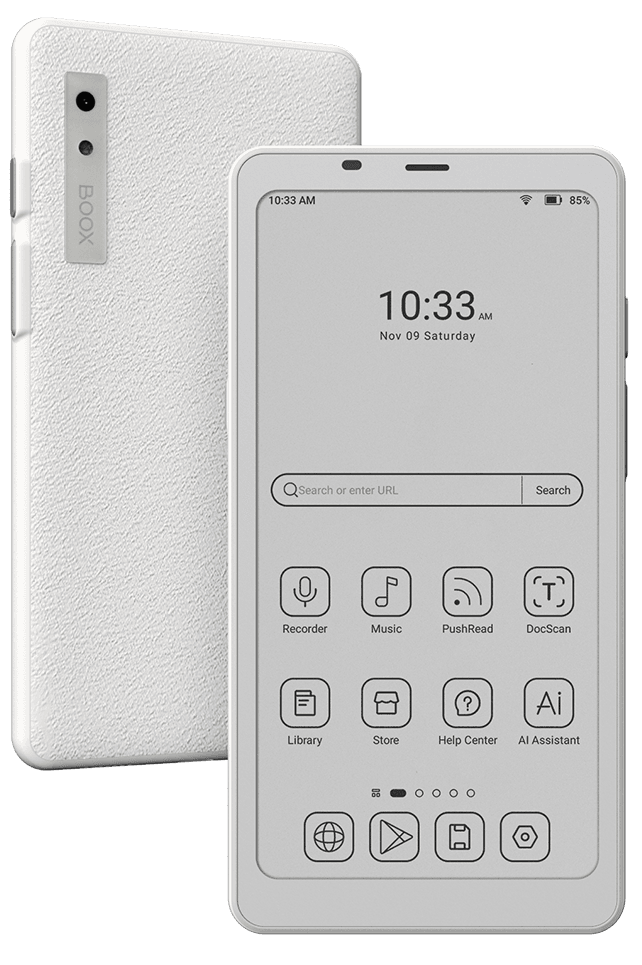
If you mostly read books, the Kindle Scribe (2025) or a straightforward Kindle Paperwhite will serve you far better for a fraction of the price. And if you want a pocketable device that runs multiple reading apps side by side, the BOOX Palma 2 one rank up solves a completely different problem at a lower cost.
The Paper Pro's closest real competitor for note-taking is the Kindle Scribe, which leans further toward reading with note-taking as a secondary feature — roughly the inverse of the Paper Pro's priorities. Within Gavler's own e-reader list, it sits directly below the Palma 2 and above the Kindle Colorsoft, both of which are built around reading first, which only sharpens how specialized the Paper Pro actually is. This is not a list where you pick the "best" one; it's a list where you pick the one built for what you actually do most.
A 9.3, reflecting real critical enthusiasm for a device that does one thing — writing on paper-like E Ink — better than almost anything else sold. Buy the Paper Pro if you split your day between writing and thinking and want the closest thing to pen-on-paper with cloud backup; the near-instant pen response and ultra-thin build are genuinely best-in-class. Go in clear-eyed about the rest: the color is muted, the light is dim, it's a mediocre book reader, and at $579-plus it's a luxury. If you mostly read, the Kindle Scribe or a Paperwhite serves you better for far less.
For people who think and work primarily by writing by hand, yes. It ranks fifth on Gavler's Best E-Readers list with a 9.3, earned almost entirely on writing feel rather than reading capability. At $579 with the base Marker (plus $229 for the keyboard folio), it's a luxury purchase — worth it if you split your day between writing and thinking, not worth it if you mainly want to read books.
No, and reviewers are blunt about it. TechRadar put it plainly: this tablet is not for reading. It opens PDFs and EPUBs, but the software is deliberately spartan, and the color E Ink panel is tuned for writing and sketching, not for the kind of prolonged novel-reading a Kindle or Kobo is built around.
They solve different problems despite looking similar on paper. The Paper Pro is a writing-first device with near-instant pen response and a color display, but weak reading software and no app ecosystem. The Kindle Scribe leans more toward Amazon's reading catalog with note-taking bolted on. If writing quality is your priority, the Paper Pro wins; if you want a device that's genuinely good at both reading and light note-taking, the Scribe is the more balanced choice.
Muted by design. The 11.8-inch Canvas Color E Ink panel (229 ppi) puts color in the same layer as black-and-white for sharper images than older color E Ink attempts, and TechRadar found it looks better than the competition — but it's still faint compared to an LCD screen, a limitation of color E Ink technology rather than a flaw specific to this device.
Prices checked regularly
90-day price history
Steady at $579 for the entire 90-day tracking window — no increases, no discounts, across 91 tracked days.
Tracked daily across retailers. Vote Want itabove and we’ll alert you the moment the price drops.
Some links are affiliate links — Gavler may earn a commission. This never affects rankings or scores. Learn more.
The active Marker cuts input lag to roughly 12ms (down from 22ms on the reMarkable 2), so writing feels nearly instant with no perceptible pen-to-screen delay.
A Gallery 3 color panel at 229 ppi puts color in the same layer as the black-and-white for sharper images — muted versus an LCD, but the best-looking color E Ink reMarkable tested.
Adds a front light (a first for the line) plus a 5,030mAh battery rated around two weeks per charge, even with the light on.
Critics rate it highly as a writing tool — Engadget scored it 90/100 and TechRadar rated it Recommended — praising near-instant pen response, a premium ultra-thin build, and two-week battery, while consistently docking it for muted color, a dim light, weak reading and editing software, and a steep price.
Do you think reMarkable Paper Pro deserves the #5 spot in Best E-Readers?
“reMarkable adds a color screen to its e-paper tablet, creating a best-in-class distraction-free writing experience.”
“The end result is a display with visible, if muted, color reproduction with some limitations you'll need to work around.”
“It's aggressively simple, distraction-free, and frustrating if you were hoping for something more robust.”
“This tablet is not for reading, and it's not for apps, and if you want those things in an ePaper tablet, it's not for you, either.”
Watch
Hand-picked from creators we trust — playable inline.
reMarkable Paper Pro Review - 6 Months Later
One Tablet to Rule Them All: Remarkable Paper Pro REVIEW
Finally. Professional Paper. - reMarkable Paper Pro
reMarkable Paper Pro Review!
reMarkable Paper Pro Review: Actually Worth it?
Remarkable Paper Pro: In-Depth Review, 11.8" Color E-Ink Tablet With the Fastest Writing Latency
See how other top picks compare in this category.
Kindle logos and color stickers are the wrong first question. Dedicated E Ink vs a tablet, then B&W vs color vs stylus, then the store. Shop Gavler's live ranking.
Amazon quietly hiked every Kindle $40–$50 overnight, blaming the memory shortage. Kobo held its prices — here's the better e-reader for your money now.
Prime Big Deal Days runs October 6-7, 2026. The Kindle and Kobo picks worth watching, their historical lows, and which to buy at full price anyway.
Eight graduation tech gifts pulled from Gavler's community-ranked lists. Eight categories, eight price points, eight grads who actually use the thing past July.
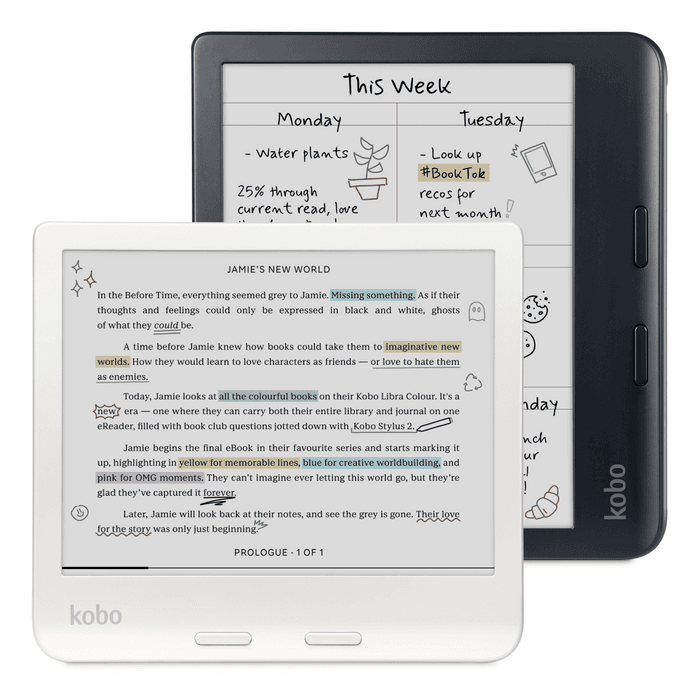
Amazon's Paperwhite vs Kobo's Libra Colour, refreshed for Prime Day 2026. Which e-reader fits your library, your hands, and how you actually want to read.
Kindle, Kobo, Boox. Gavler's readers rank the e-readers worth buying — by display, battery, library access, and which feel best in the hand.