I Sold my Kindle … 🫠 | Kobo Libra Colour First Impression | HiI’mLiv
HiI’mLiv
A 7-inch Kaleido 3 display brings color to e-reading without sacrificing the crisp black-and-white experience. Physical page-turn buttons, IPX8 waterproofing, and open ecosystem support make this the best choice for readers who value flexibility.
Gavler Meta-Score
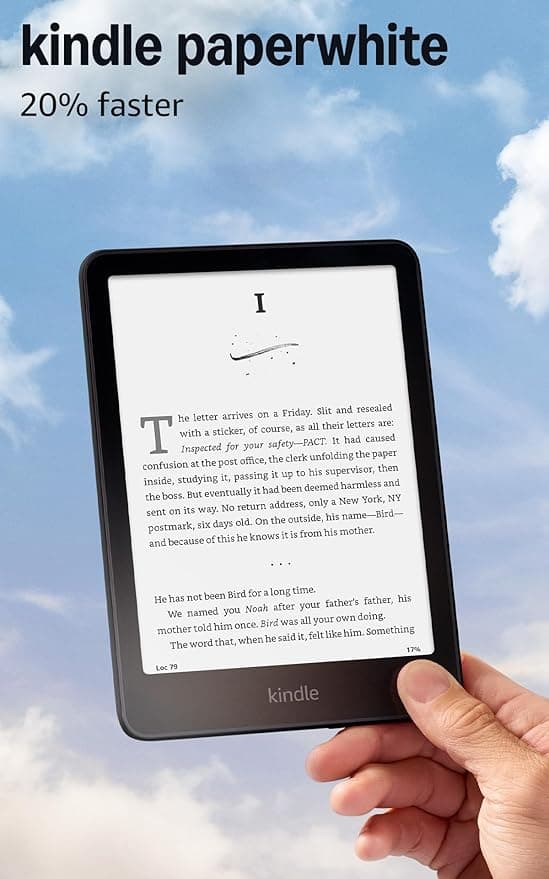
“If you're weighing the Libra Colour against the Kindle Paperwhite, the decision comes down to ecosystem. Do you want access to Kindle books, unlimited selection, and Amazon's infrastructure? Go Paperwhite. Do you want library integration, sideloading, and no vendor lock-in? Go Libra Colour. The color display is a bonus, not the main reason to buy — the real value is Kobo's open, user-respecting approach. For readers who've felt trapped in the Kindle ecosystem, this is the escape hatch. For comics enthusiasts and magazine readers, the color display is a genuine quality-of-life improvement.”
The Gavler Verdict
Kobo Libra Colour Review: The Open E-Reader Kindle Owners Envy
The Kobo Libra Colour sits at number two on our Best E-Readers list with a 9.6, just behind the Kindle Paperwhite — and the gap between them isn't about hardware quality. It's about philosophy. Buy the Libra Colour if you want an e-reader that respects your library rather than locking you into one storefront: sideloadable files, native Libby support, and a color display that adds real value for comics and magazines without gimmick. Skip it if the simplicity of Amazon's one-tap ecosystem matters more to you than openness — in that case, the Paperwhite remains the easier default. For readers who've felt boxed in by Kindle, this is the escape hatch.
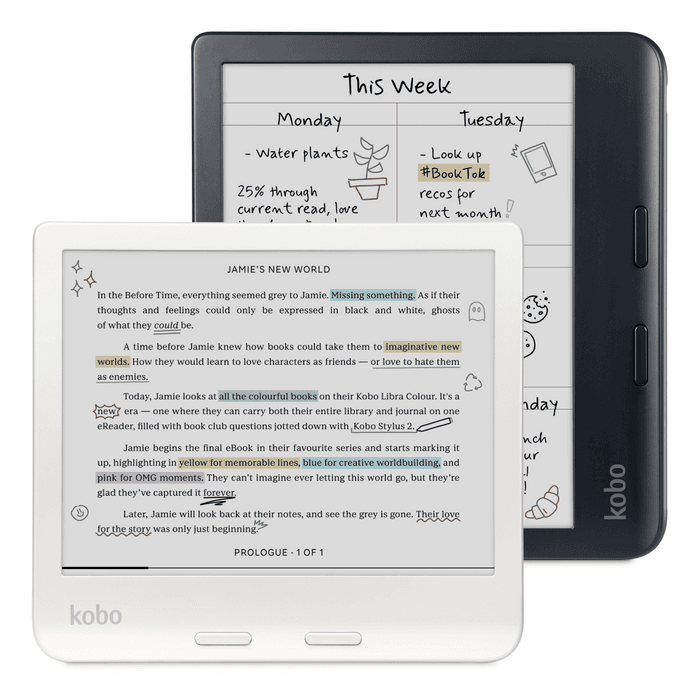
The Libra Colour is built around a 7-inch Kaleido 3 E Ink display — 300 ppi for black-and-white text, 150 ppi when rendering color. That split resolution is the honest engineering trade-off behind every color e-ink panel currently on the market: full color at full text-sharpness resolution isn't achievable yet without sacrificing battery life and responsiveness, so Kobo splits the difference. For a device whose primary job is still reading text, that's the right trade — text stays crisp, and color becomes a genuine bonus for comics, magazine layouts, and highlighted notes rather than the main event.
Physical page-turn buttons flank the device, letting you read one-handed without touching the screen — a detail heavy readers notice immediately and casual readers eventually come to appreciate. IPX8 waterproofing matches the Paperwhite's, and 32 GB of storage (double the Paperwhite's 16 GB) gives more headroom for sideloaded files, which matters more on an open platform where you're not exclusively buying compressed Kindle-format books.
The real differentiator is software, not hardware: Kobo's ecosystem is open. You can sideload DRM-free ePubs directly, use native Libby/OverDrive integration for library borrowing, access Pocket for article saving, and install alternative reading apps. There are no ads on the lock screen. At $230, it costs about $70 more than the Paperwhite, and that premium buys both the color display and the open platform.
The Verge's hands-on assessment lands on exactly the trade-off that defines this device: "the most balanced color e-reader. Color is useful, not gimmicky. Library integration is a game-changer for borrowing readers." That's the two-part pitch in one sentence — color that enhances rather than distracts, and library support that removes friction other e-readers add. Engadget framed the openness angle directly: "finally, a company that respects readers and their libraries. Kobo gets it." TechRadar's take gets at the long-term value proposition: "the open ecosystem means you're not locked into one platform forever. That freedom is worth the price premium over Kindle."
In daily use, the practical benefit of the open ecosystem shows up most clearly for library-heavy readers. Borrowing a book through Libby on a Kindle requires routing through Amazon's system with real friction; on the Libra Colour, it's native and direct. For readers with existing DRM-free collections — from Project Gutenberg, from a personal library, from other retailers — sideloading is straightforward instead of requiring conversion workarounds.
This is the best choice for readers who value flexibility, not automatically the best choice for everyone, and the honest reasons to buy something else are specific:
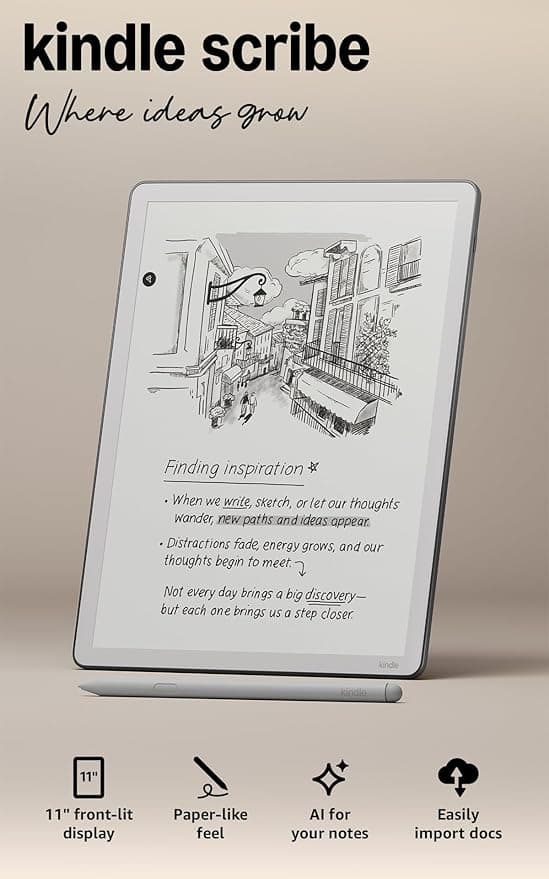
On its own list, the Libra Colour sits directly below the Kindle Paperwhite at number one — and the two make an unusually clean head-to-head because the hardware gap is small and the philosophical gap is large. The Paperwhite wins on simplicity, catalog size, and community rating (95 versus 93). The Libra Colour wins on openness, library integration, and color. One tier up in capability sits the Kindle Scribe, Amazon's stylus-equipped note-taking device — a different category entirely, aimed at readers who also want to annotate and write, not just read.
A 9.6, reflecting genuine expert enthusiasm for what Kobo has built: a color e-reader that doesn't oversell color as the headline feature, wrapped in an ecosystem that respects how readers actually want to own and borrow books. Buy the Libra Colour if openness, library borrowing, and color for visual content matter to you — the $70 premium over the Paperwhite buys real, usable flexibility, not just a spec-sheet upgrade. Stick with the Paperwhite if Amazon's frictionless simplicity is what you actually want. Either way, you're choosing between the two best e-readers Gavler has reviewed.
For readers who value flexibility and an open ecosystem over Amazon's convenience, yes. It ranks second on Gavler's Best E-Readers list with a 9.6. The Kaleido 3 color display is a genuine quality-of-life upgrade for comics and magazines, but the bigger reason to buy is Kobo's open platform — sideloadable DRM-free ePubs, native Libby/OverDrive library support, and no ads. The trade-off is a roughly 70-dollar premium over the Kindle Paperwhite and a smaller overall content storefront than Amazon's.
This comes down to ecosystem, not hardware quality. Buy the Paperwhite if you want Amazon's massive catalog and the simplest possible one-tap buying experience. Buy the Libra Colour if you want to escape vendor lock-in — sideload your own files, borrow library books through Libby without friction, and get a color display as a bonus. Neither is a wrong choice; they represent genuinely different philosophies about what an e-reader should be.
It's good for what it's designed to do, with a real trade-off to understand. The Kaleido 3 panel renders black-and-white text at a sharp 300 ppi, but color content — comic panels, magazine covers, highlighted passages — drops to 150 ppi, which keeps the device responsive and battery-efficient but means color won't look as vibrant or sharp as an iPad's LCD screen. That's not a flaw so much as the fundamental trade-off of color e-ink technology as it exists today.
Yes, and this is one of the device's strongest features. The Libra Colour has native Libby/OverDrive integration built into the device itself, so you can browse and borrow library ebooks directly without emailing files or going through a computer — a meaningfully smoother process than borrowing library books on a Kindle, which requires more workarounds.
Prices checked regularly
90-day price history
Steady at $230 for the entire 90-day tracking window — no increases, no discounts, across 91 tracked days.
Tracked daily across retailers. Vote Want itabove and we’ll alert you the moment the price drops.
Some links are affiliate links — Gavler may earn a commission. This never affects rankings or scores. Learn more.
E Ink Kaleido 3 color technology with 300 ppi for text and 150 ppi for color — maintaining crispness while adding color to comics, magazines, and notes.
Dedicated buttons on both sides allow one-handed reading without reaching for the touchscreen, making long reading sessions comfortable.
Sideload DRM-free ePubs, use Libby/OverDrive for library books, access Pocket, install reading apps — complete freedom from vendor lock-in.
Experts praise the color implementation and open ecosystem. Community loves the sideloading capability and library integration. Some note color performance isn't as vibrant as iPad, but that wasn't the goal.
Do you think Kobo Libra Colour deserves the #2 spot in Best E-Readers?
“The most balanced color e-reader. Color is useful, not gimmicky. Library integration is a game-changer for borrowing readers.”
“Finally, a company that respects readers and their libraries. Kobo gets it.”
“The open ecosystem means you're not locked into one platform forever. That freedom is worth the price premium over Kindle.”
Watch
Hand-picked from creators we trust — playable inline.
I Sold my Kindle … 🫠 | Kobo Libra Colour First Impression | HiI’mLiv
Kobo Libra Color Unboxing and Honest Impression 📖 Leaving Kindle for Kobo!?
a more detailed Kobo Libra Colour review than anyone really needs if we're being honest
Kobo Libra Colour Review / Yes, it's THAT good
Can Kobo Libra Colour Really Replace My Kindle Paperwhite?
Kobo Libra Colour review - simply gorgeous, unashamedly plastic
See how other top picks compare in this category.
Kindle logos and color stickers are the wrong first question. Dedicated E Ink vs a tablet, then B&W vs color vs stylus, then the store. Shop Gavler's live ranking.
Amazon quietly hiked every Kindle $40–$50 overnight, blaming the memory shortage. Kobo held its prices — here's the better e-reader for your money now.
Prime Big Deal Days runs October 6-7, 2026. The Kindle and Kobo picks worth watching, their historical lows, and which to buy at full price anyway.
Eight graduation tech gifts pulled from Gavler's community-ranked lists. Eight categories, eight price points, eight grads who actually use the thing past July.
Amazon's Paperwhite vs Kobo's Libra Colour, refreshed for Prime Day 2026. Which e-reader fits your library, your hands, and how you actually want to read.
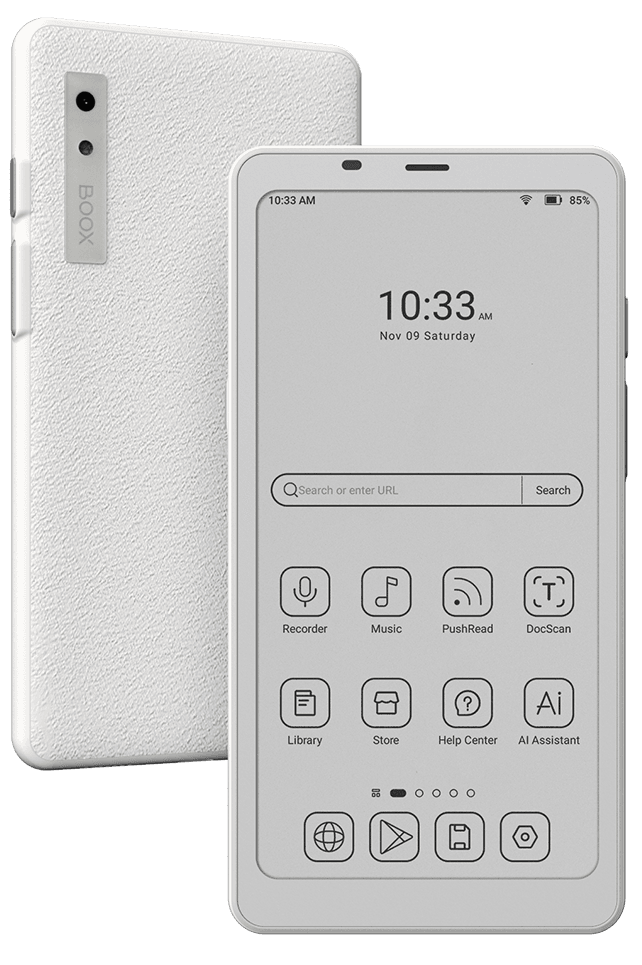
Kindle, Kobo, Boox. Gavler's readers rank the e-readers worth buying — by display, battery, library access, and which feel best in the hand.